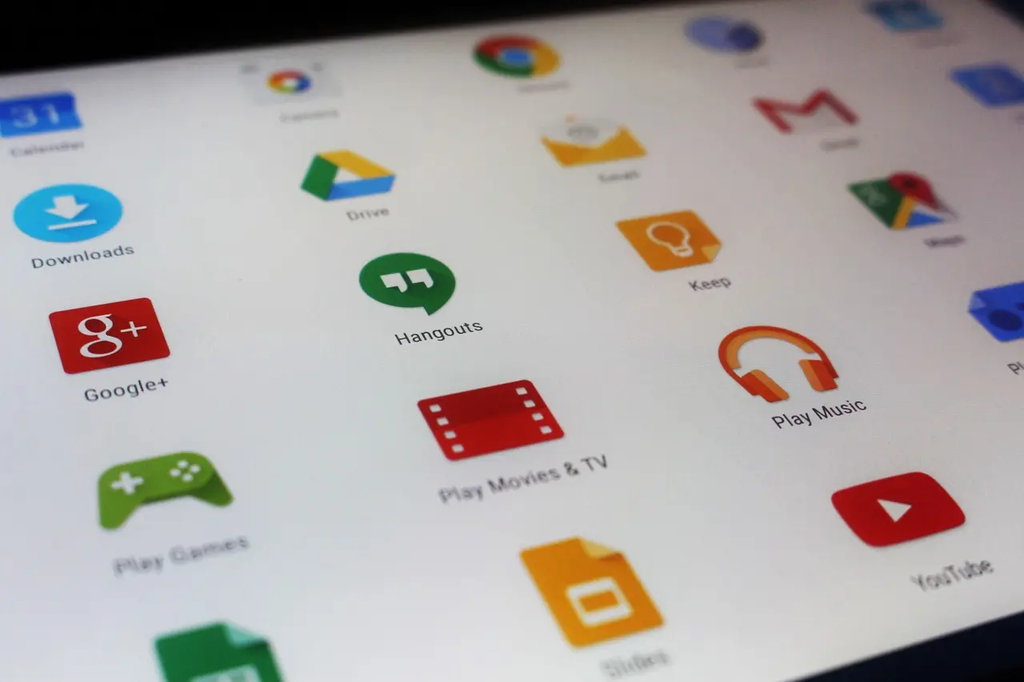
Basic App Installation (Daily Mobile Apps) refers to the process of downloading and setting up essential mobile applications that are commonly used on a daily basis, such as messaging, email, social media, productivity, and utility apps. This process typically involves accessing an app store, searching for the desired apps, installing them onto a mobile device, and completing any necessary setup steps to ensure they function properly for everyday use.
Basic App Installation+50
Basic App Installation (Daily Mobile Apps) refers to the process of downloading and setting up essential mobile applications that are commonly used on a daily basis, such as messaging, email, social media, productivity, and utility apps. This process typically involves accessing an app store, searching for the desired apps, installing them onto a mobile device, and completing any necessary setup steps to ensure they function properly for everyday use.

💡 Key Takeaways
- Identify device and system requirements for the app
- Download from trusted sources and verify app authenticity
- Run the installer step by step and grant necessary permissions
- Complete initial setup and confirm the app runs correctly
❓ Frequently Asked Questions
What is basic app installation?
The process of putting software on your device and making it usable, typically by downloading, running an installer, and completing setup.
What are the typical installation steps on a computer or mobile device?
Download from a trusted source or store, run the installer or tap Install, review/accept permissions, choose options or installation location, complete setup, and launch the app.
How can you verify the app is safe before installing?
Install from official sources, check the publisher/signature, verify checksums if provided, read user reviews, and ensure the app is compatible with your device.
What should you do if installation fails?
Note the error, verify system requirements and storage, try running as administrator if appropriate, re-download the installer, and consult official support resources.