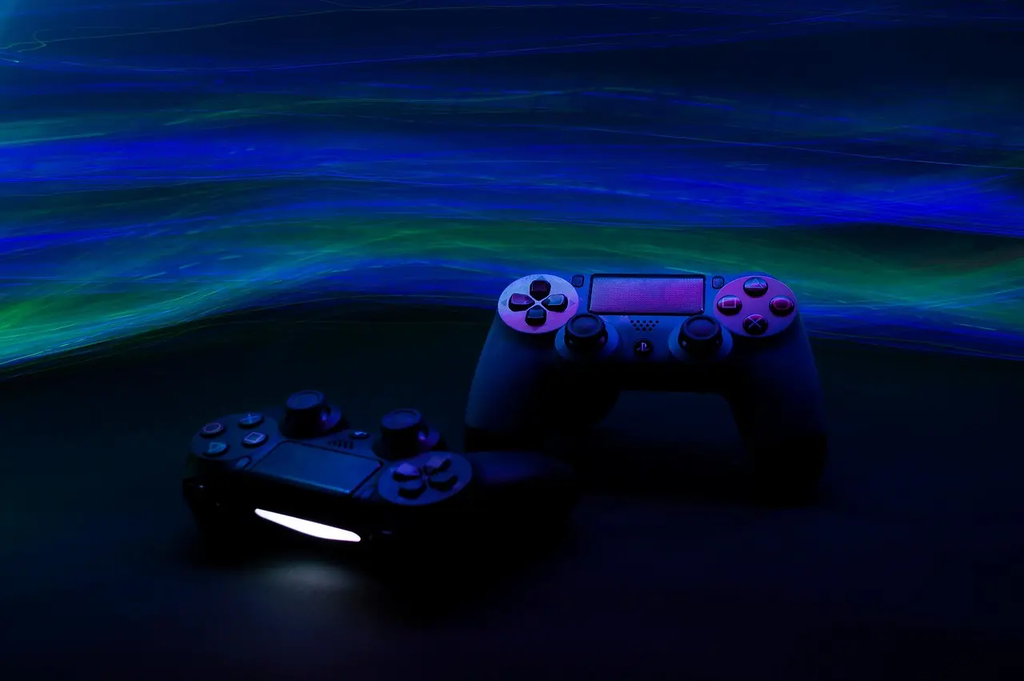
A console gaming setup typically includes a gaming console, display screen (TV or monitor), controllers, and accessories like headsets or charging docks. The controls are managed through handheld controllers featuring buttons, triggers, joysticks, and sometimes touchpads or motion sensors. This setup provides an immersive gaming experience, allowing players to interact seamlessly with games through intuitive, ergonomic controls designed for comfort and precision during extended play sessions.
Console Gaming Setup and Controls
A console gaming setup typically includes a gaming console, display screen (TV or monitor), controllers, and accessories like headsets or charging docks. The controls are managed through handheld controllers featuring buttons, triggers, joysticks, and sometimes touchpads or motion sensors. This setup provides an immersive gaming experience, allowing players to interact seamlessly with games through intuitive, ergonomic controls designed for comfort and precision during extended play sessions.
💡 Key Takeaways
- Identify the core components of a typical console gaming setup (console, display, controllers, and accessories).
- Describe common controller features (buttons, triggers, joysticks, touchpads, motion sensors) and how they affect gameplay.
- Understand how to optimize display and audio for gaming (screen type, resolution/refresh rate, HDR, and headset options).
- Outline basic setup and maintenance steps (wireless pairing, charging docks, cable management, and updating firmware).
❓ Frequently Asked Questions
What components make up a typical console gaming setup?
A console, a display (TV or monitor), controllers, and accessories like headsets or charging docks.
What input devices are used to play on consoles?
Handheld controllers with buttons, triggers, joysticks, and often touchpads or motion sensors.
What is the purpose of a charging dock in a console setup?
To recharge wireless controllers and keep spare batteries or controllers ready for play.
How do modern console controllers typically connect to the console?
Either wirelessly (via Bluetooth or a proprietary wireless tech) or through a wired USB connection.