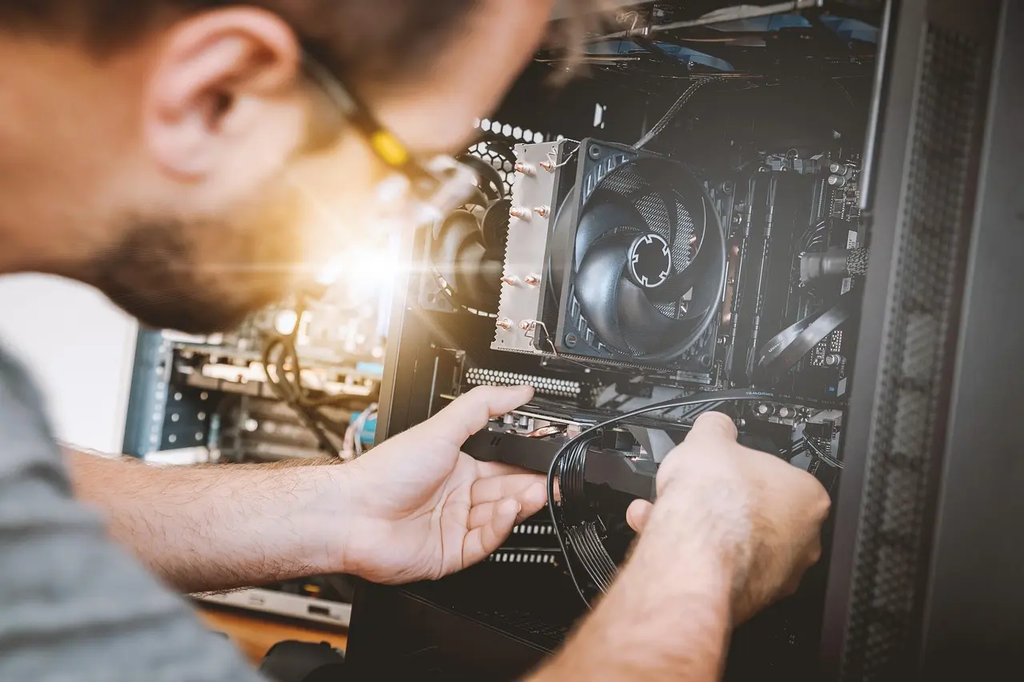
Home media servers with Plex or Jellyfin allow users to store, organize, and stream personal collections of movies, TV shows, music, and photos across devices. These platforms provide intuitive interfaces, metadata management, and remote access, transforming a computer or NAS into a centralized entertainment hub. Plex offers both free and premium features, while Jellyfin is fully open-source, catering to users seeking privacy and customization without subscription fees.
Home Media Servers with Plex or Jellyfin
Home media servers with Plex or Jellyfin allow users to store, organize, and stream personal collections of movies, TV shows, music, and photos across devices. These platforms provide intuitive interfaces, metadata management, and remote access, transforming a computer or NAS into a centralized entertainment hub. Plex offers both free and premium features, while Jellyfin is fully open-source, catering to users seeking privacy and customization without subscription fees.
💡 Key Takeaways
- Compare Plex and Jellyfin to choose the right fit for your home media setup.
- Organize and enrich your libraries with metadata, artwork, and collections across movies, TV, music, and photos.
- Optimize streaming performance with device compatibility, transcoding options, and network considerations.
- Configure remote access, user permissions, and backup/security practices for a private, reliable server.
❓ Frequently Asked Questions
What is a home media server with Plex or Jellyfin?
A central computer or NAS that stores your movies, TV shows, music, and photos and streams them to devices on your home network or over the internet. Plex and Jellyfin organize libraries, fetch metadata, and provide apps to browse and play your content.
What is the difference between Plex and Jellyfin?
Plex is a feature-rich, partly proprietary platform with optional paid features and cloud-based services. Jellyfin is open-source, completely free, with no ads or tracking. Both organize media and support streaming, but their ecosystems and metadata sources differ.
What hardware and network do I need to run one at home?
A computer or NAS with enough CPU power (more for 4K transcoding), adequate RAM (2–8 GB+), and ample storage. A fast network (gigabit Ethernet) helps, especially for multiple simultaneous streams. You can run these on a desktop PC, a NAS, or a Raspberry Pi (with limited transcoding).
How do I access my content on different devices and remotely?
Install the Plex or Jellyfin apps on phones, tablets, smart TVs, or streaming devices and connect to your server. Local playback works over your home network; remote access is possible over the internet via port forwarding or VPN. Jellyfin uses your own setup, while Plex can use a Plex account for remote access.