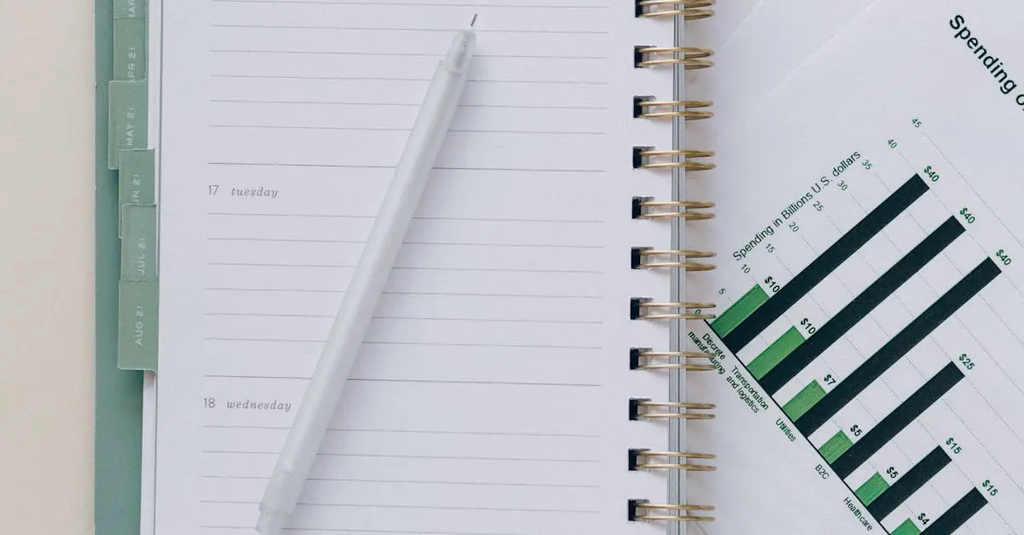
Integrating tasks, calendar, and notes means combining these productivity tools into a unified system. This integration allows users to seamlessly manage their to-do lists, schedule events, and store important information in one place. It enhances organization, reduces duplication, and ensures that deadlines, appointments, and key details are easily accessible. By linking related notes to tasks and calendar events, users can boost efficiency, streamline workflows, and improve overall time management.
Integrating Tasks, Calendar, and Notes
Integrating tasks, calendar, and notes means combining these productivity tools into a unified system. This integration allows users to seamlessly manage their to-do lists, schedule events, and store important information in one place. It enhances organization, reduces duplication, and ensures that deadlines, appointments, and key details are easily accessible. By linking related notes to tasks and calendar events, users can boost efficiency, streamline workflows, and improve overall time management.
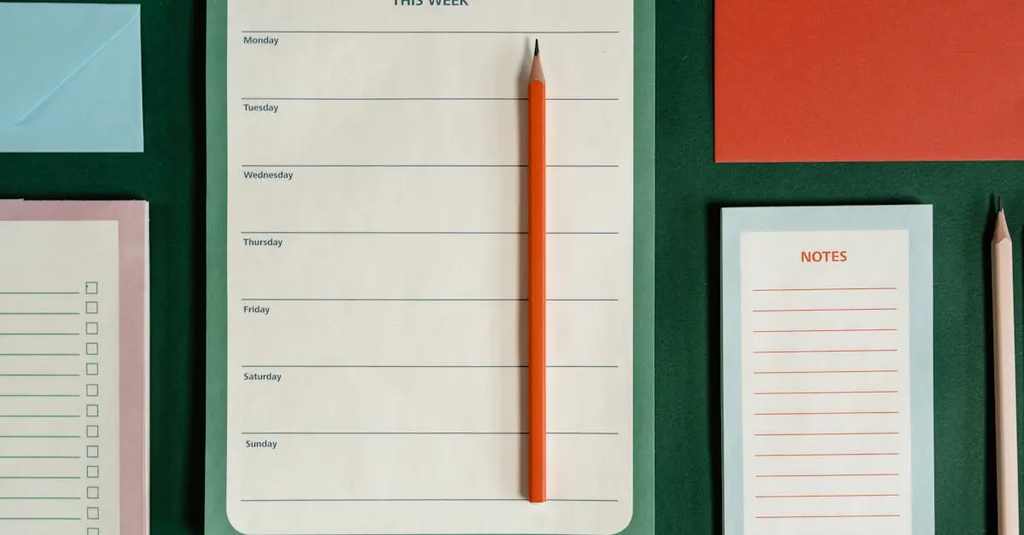
💡 Key Takeaways
- Understand the benefits of a unified system for tasks, calendar, and notes (better organization and fewer duplications).
- Learn how to map tasks to calendar events and attach relevant notes for quick context.
- Identify practical steps to set up a single source of truth and maintain consistent capture and review routines.
- Recognize common pitfalls and simple habits to sustain an integrated productivity workflow.
❓ Frequently Asked Questions
What does integrating tasks, calendar, and notes mean?
Using a unified system (or interconnected tools) to manage to-dos, events, and notes in one place, with syncing and cross-item context.
What are the main benefits of this integration?
Better organization, less duplication, easier planning, and quick access to related information by linking tasks to events and notes.
How can you start building a unified system?
Choose a primary tool that supports tasks, calendar, and notes, connect your data, use consistent naming and tagging, and establish a daily review routine.
How can you use linking across tasks, calendar, and notes?
Attach notes to tasks, create calendar events from tasks, and reference related tasks in notes using links or tags to navigate between items.