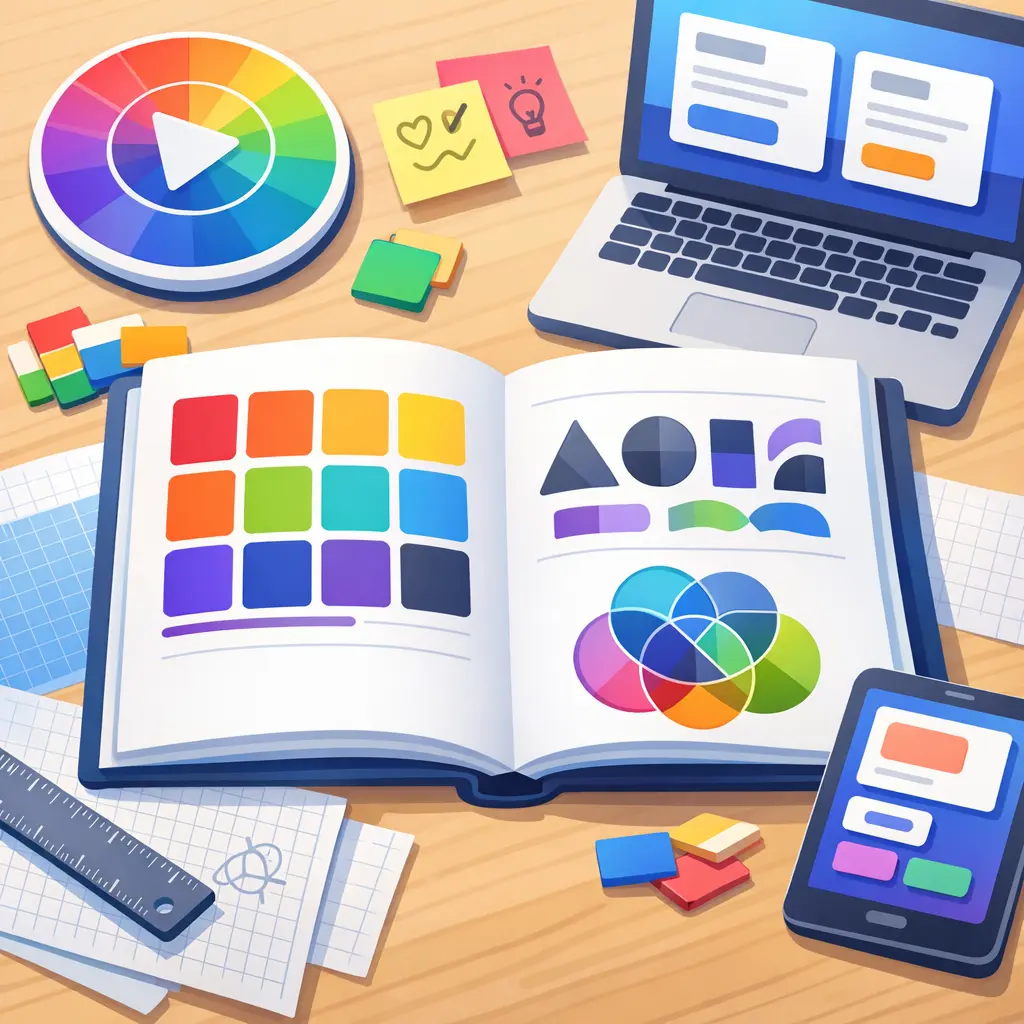
Layer compositing and blending modes are essential techniques in visual arts and design, allowing artists to combine multiple image layers in creative ways. By adjusting blending modes, designers control how layers interact, affecting color, brightness, and texture. This process enables effects like shadows, highlights, and overlays, enhancing depth and complexity in digital artwork. Mastery of these skills is crucial for producing visually compelling and professional-quality designs.
Layer Compositing & Blending Modes
Layer compositing and blending modes are essential techniques in visual arts and design, allowing artists to combine multiple image layers in creative ways. By adjusting blending modes, designers control how layers interact, affecting color, brightness, and texture. This process enables effects like shadows, highlights, and overlays, enhancing depth and complexity in digital artwork. Mastery of these skills is crucial for producing visually compelling and professional-quality designs.
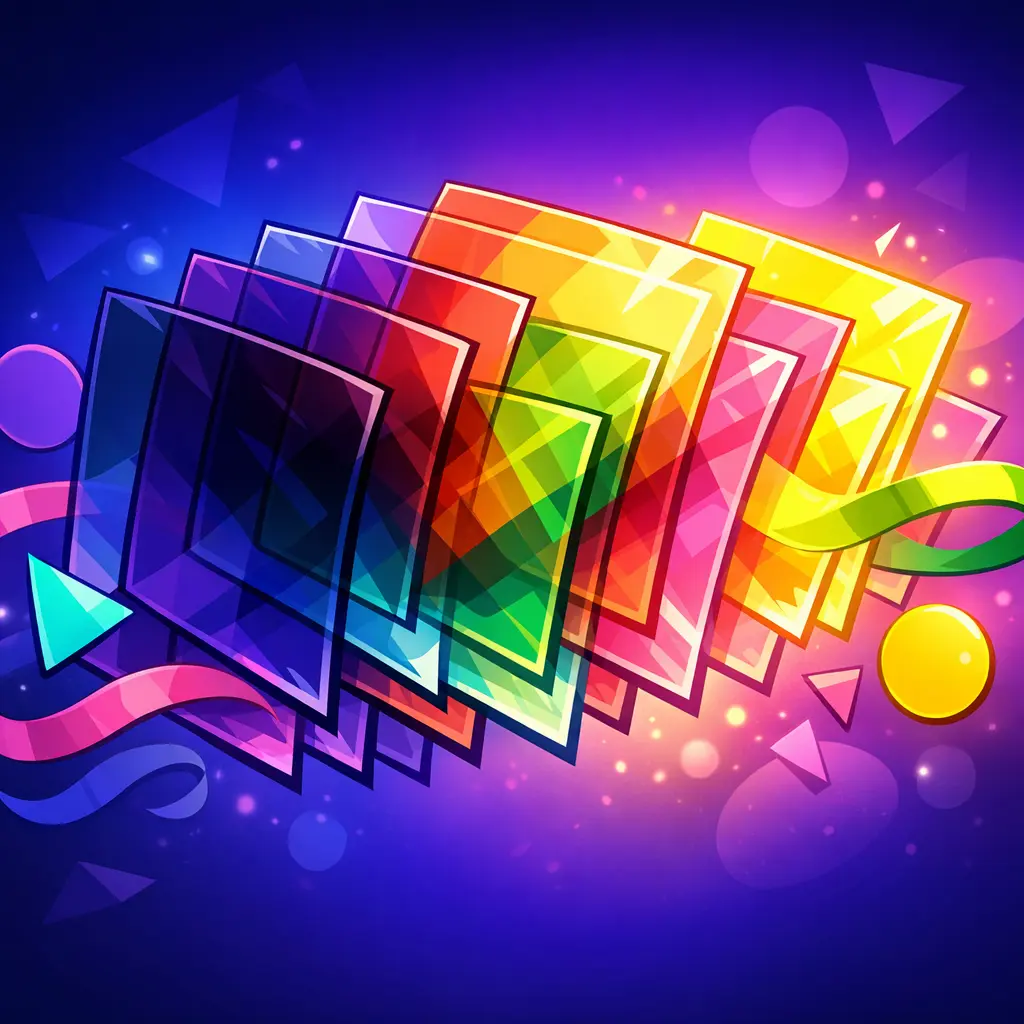
💡 Key Takeaways
- Understand what layer compositing is and how blending modes affect how layers interact.
- Explore common blending modes (Normal, Multiply, Screen, Overlay, etc.) and ideal use cases.
- Learn how opacity and layer order influence the final image.
- Practice blending modes to combine colors, textures, and lighting for depth and realism.
- Recognize how color space and transparency impact compositing results.
❓ Frequently Asked Questions
What is layer compositing and blending modes?
Layer compositing describes how multiple layers are combined to form the final image. Blending modes determine how pixels on the active layer interact with pixels below, changing color and brightness while respecting transparency.
What are some common blending modes and what do they do?
Normal: top layer covers below by its opacity. Multiply: darkens by multiplying colors. Screen: lightens by multiplying inverted colors. Overlay: increases contrast by applying Multiply to dark areas and Screen to light areas. Soft Light: adds subtle, painterly contrast.
How do opacity and fill affect how a layer blends?
Opacity controls overall transparency of the layer and its blending with layers below. Fill controls the transparency of the layer’s content but typically doesn’t affect layer styles (like shadows or strokes).
How does the order of layers influence the final result?
Blending is calculated from bottom up. The position of a layer determines which colors it blends with, so changing layer order can dramatically change the result.
When would you use a specific blending mode?
Use Multiply for shadows and darkening effects, Screen for highlights and lightening, Overlay for contrast, Soft Light for gentle tonal adjustments, and Normal for direct, unblended coverage.