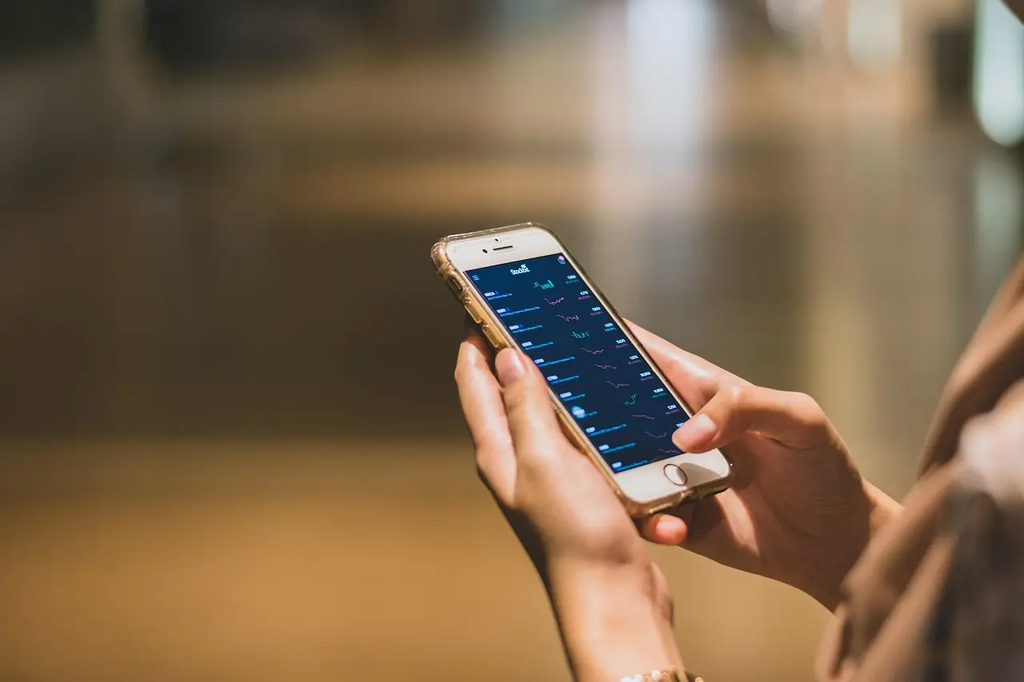
Managing app notifications in daily mobile apps involves controlling which alerts and messages you receive from various applications on your device. This process helps reduce distractions, improve productivity, and maintain privacy by allowing you to customize notification settings such as sound, vibration, banners, or badges. By regularly reviewing and adjusting these settings, users can prioritize important updates while minimizing unnecessary interruptions from less relevant apps.
Managing App Notifications
Managing app notifications in daily mobile apps involves controlling which alerts and messages you receive from various applications on your device. This process helps reduce distractions, improve productivity, and maintain privacy by allowing you to customize notification settings such as sound, vibration, banners, or badges. By regularly reviewing and adjusting these settings, users can prioritize important updates while minimizing unnecessary interruptions from less relevant apps.
💡 Key Takeaways
- Understand how app notifications impact user engagement and retention.
- Identify notification types (push, in-app, transactional) and when to use each.
- Apply best practices for timing, frequency, and messaging to reduce fatigue.
- Manage user permissions and privacy, including opt-in prompts and settings.
- Leverage Android and iOS features (channels, priorities, delivery timing) to optimize reach.
❓ Frequently Asked Questions
What are push notifications and in-app notifications?
Push notifications are alerts sent by an app's server and shown outside the app (even when it's not open). In-app notifications appear only while you’re using the app.
How can you manage app notification settings on your device?
Use your device's settings to enable or disable notifications per app and adjust options like sound, vibration, banners, and appearance. Some apps also offer their own in-app controls.
Why might you customize or disable notifications?
To reduce distractions, save battery life, protect privacy, and ensure you only receive alerts that matter.
What are notification channels or alert styles and why do they matter?
Android uses notification channels to group alerts and set per-channel importance and behavior; iOS lets you choose how alerts appear (banners, sounds, badges) per app. This helps control urgency and disruption.