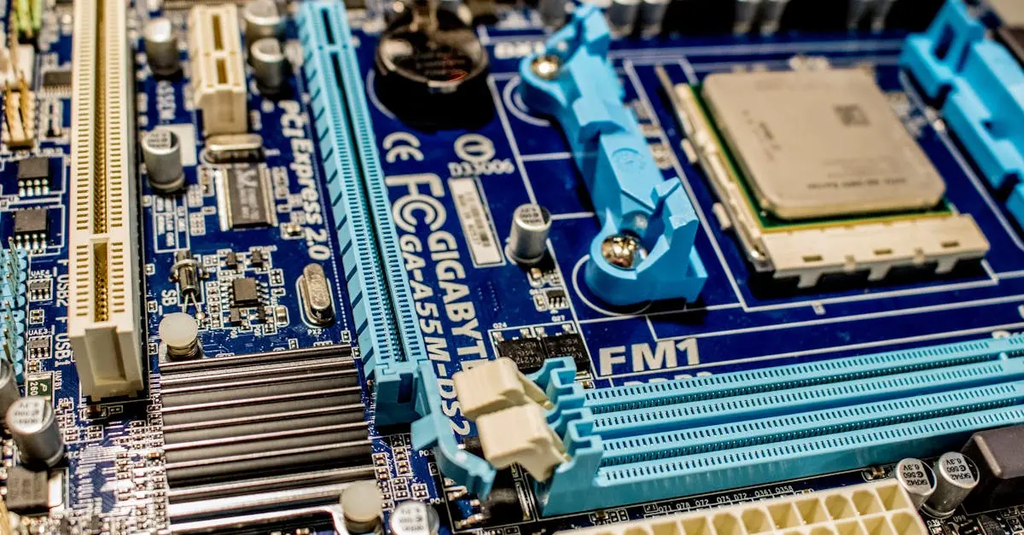
Microcontrollers and Arduino concepts involve understanding small, programmable computing devices used to control electronic systems. These concepts cover digital electronics fundamentals, such as logic gates, input/output operations, and interfacing sensors or actuators. Arduino, a popular microcontroller platform, simplifies programming and prototyping through user-friendly hardware and software. Together, they enable the design and development of embedded systems, automation projects, and smart devices, bridging computing principles with practical electronic applications.
Microcontrollers & Arduino Concepts+50
Microcontrollers and Arduino concepts involve understanding small, programmable computing devices used to control electronic systems. These concepts cover digital electronics fundamentals, such as logic gates, input/output operations, and interfacing sensors or actuators. Arduino, a popular microcontroller platform, simplifies programming and prototyping through user-friendly hardware and software. Together, they enable the design and development of embedded systems, automation projects, and smart devices, bridging computing principles with practical electronic applications.
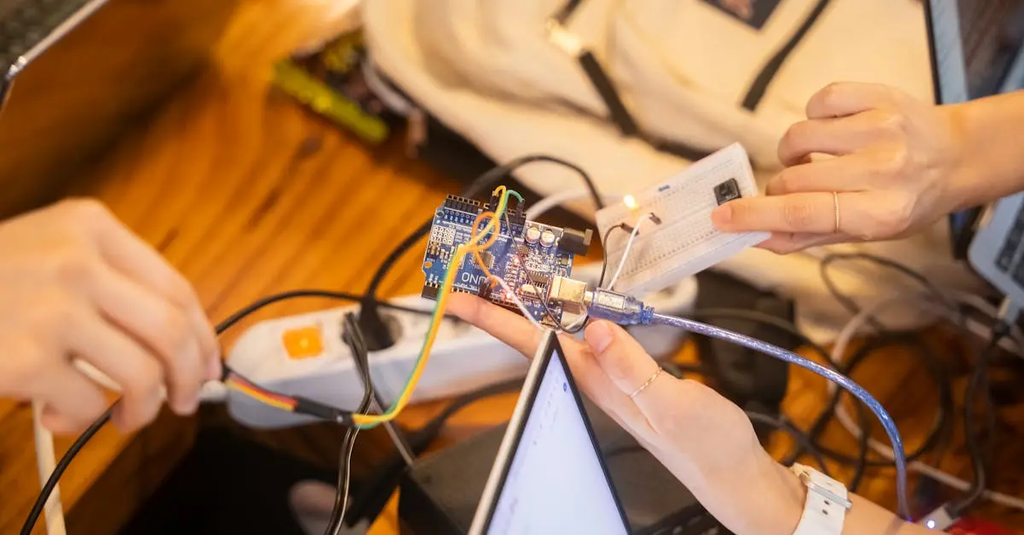
💡 Key Takeaways
- Understand what a microcontroller is and how Arduino fits into hardware
- Distinguish digital vs. analog I/O and basic pin operations in Arduino
- Write and upload simple sketches (e.g., blink) and read serial data
- Identify common Arduino peripherals and sensors and their basic interfaces
❓ Frequently Asked Questions
What is a microcontroller and how does Arduino relate to it?
A microcontroller is a small integrated circuit with a CPU, memory, and peripherals that controls electronics. Arduino is a beginner-friendly family of boards and a development environment that makes programming and wiring microcontrollers easier.
What is the difference between digital and analog I/O in Arduino?
Digital pins are on/off (HIGH or LOW) and used for binary signals. Analog input pins read varying voltages using an ADC (often 10-bit, 0–1023). Digital pins can also be used for PWM on some boards.
What is PWM and how can you use it on Arduino?
PWM (pulse-width modulation) simulates a variable voltage by rapidly turning a digital pin on and off. Use analogWrite(pin, value) on pins that support PWM to set the duty cycle (0–255).
What are setup() and loop() in an Arduino sketch?
setup() runs once at startup for initialization; loop() runs endlessly after setup to read sensors, update outputs, and handle logic.