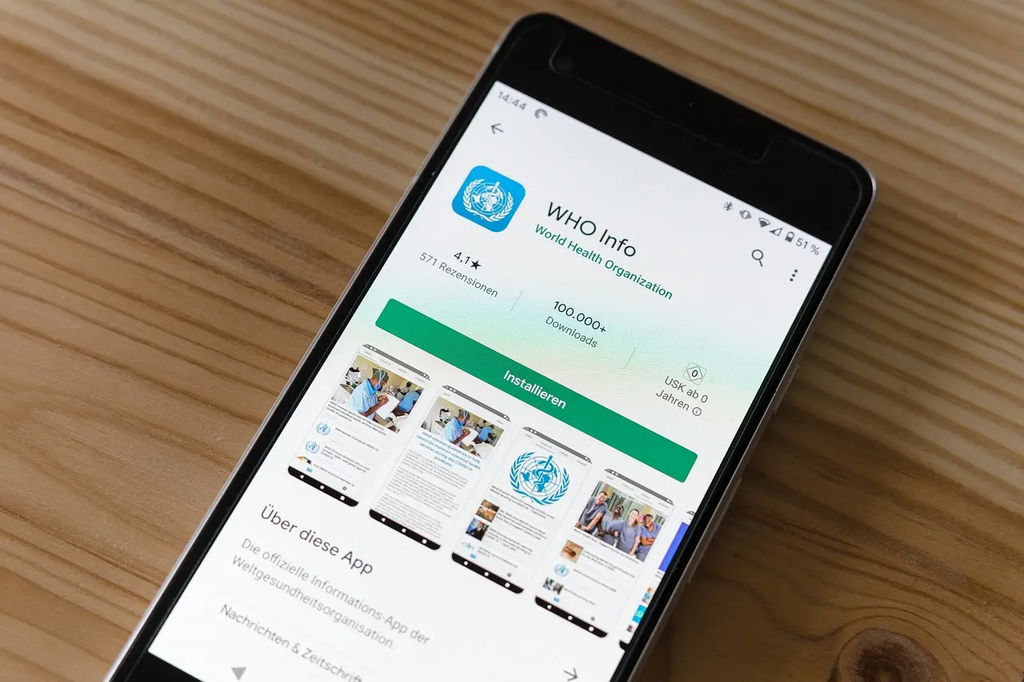
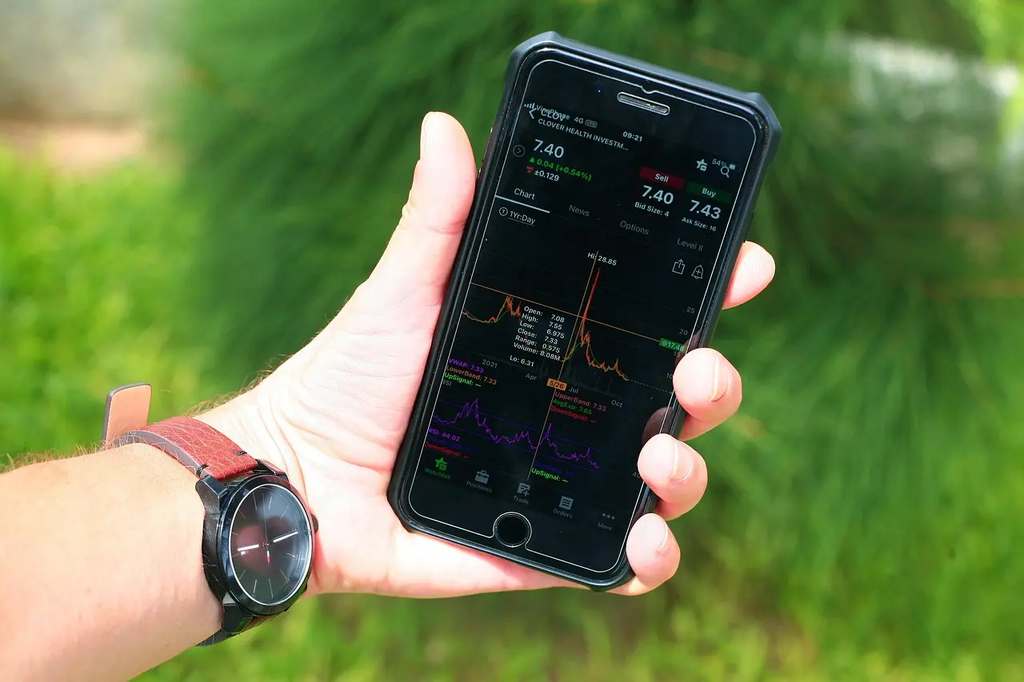
Navigating App Stores (Daily Mobile Apps) refers to the process of exploring and using digital marketplaces, such as the Apple App Store or Google Play Store, to discover, download, and manage mobile applications for everyday use. This involves searching for apps, reading reviews, comparing features, and selecting tools that fit daily needs, such as productivity, social networking, entertainment, or health. Effective navigation ensures users find reliable and relevant apps efficiently.
Navigating App Stores+50
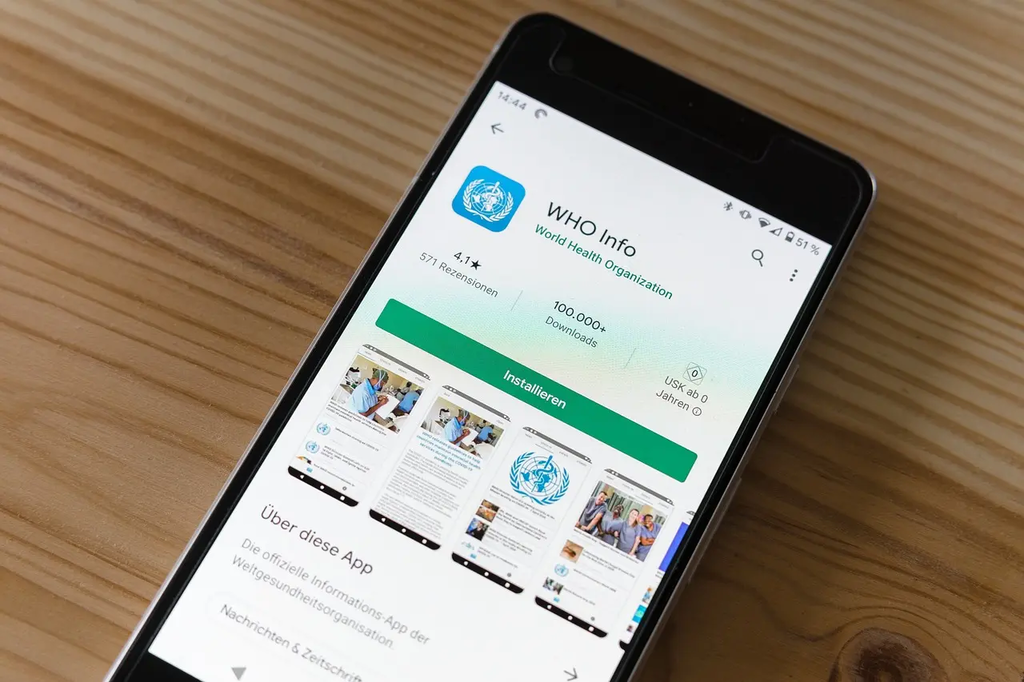
Navigating App Stores (Daily Mobile Apps) refers to the process of exploring and using digital marketplaces, such as the Apple App Store or Google Play Store, to discover, download, and manage mobile applications for everyday use. This involves searching for apps, reading reviews, comparing features, and selecting tools that fit daily needs, such as productivity, social networking, entertainment, or health. Effective navigation ensures users find reliable and relevant apps efficiently.
💡 Key Takeaways
- Understand what app stores are for and what you can do there (discover, download, update, and manage apps).
- Use effective search, filters, and keywords to find apps that fit your needs.
- Evaluate options by reading ratings, reviews, and feature lists to decide confidently.
- Manage your apps by installing, updating, reviewing permissions, and organizing them on your device.
❓ Frequently Asked Questions
What is an app store and what can you do there?
A digital marketplace to discover, download, install, update, and manage mobile apps for your device (e.g., Apple's App Store, Google Play).
How can you find apps effectively in an app store?
Use the search bar, browse categories, check editors' picks or top charts, and filter by rating, price, or device compatibility.
Why should you read reviews and check permissions before installing?
Reviews reveal real user experiences; permissions show what data or features the app can access, helping protect privacy and security.
What should you verify before installing an app?
Ensure compatibility with your device, check app size and required permissions, and note any in-app purchases or ads.