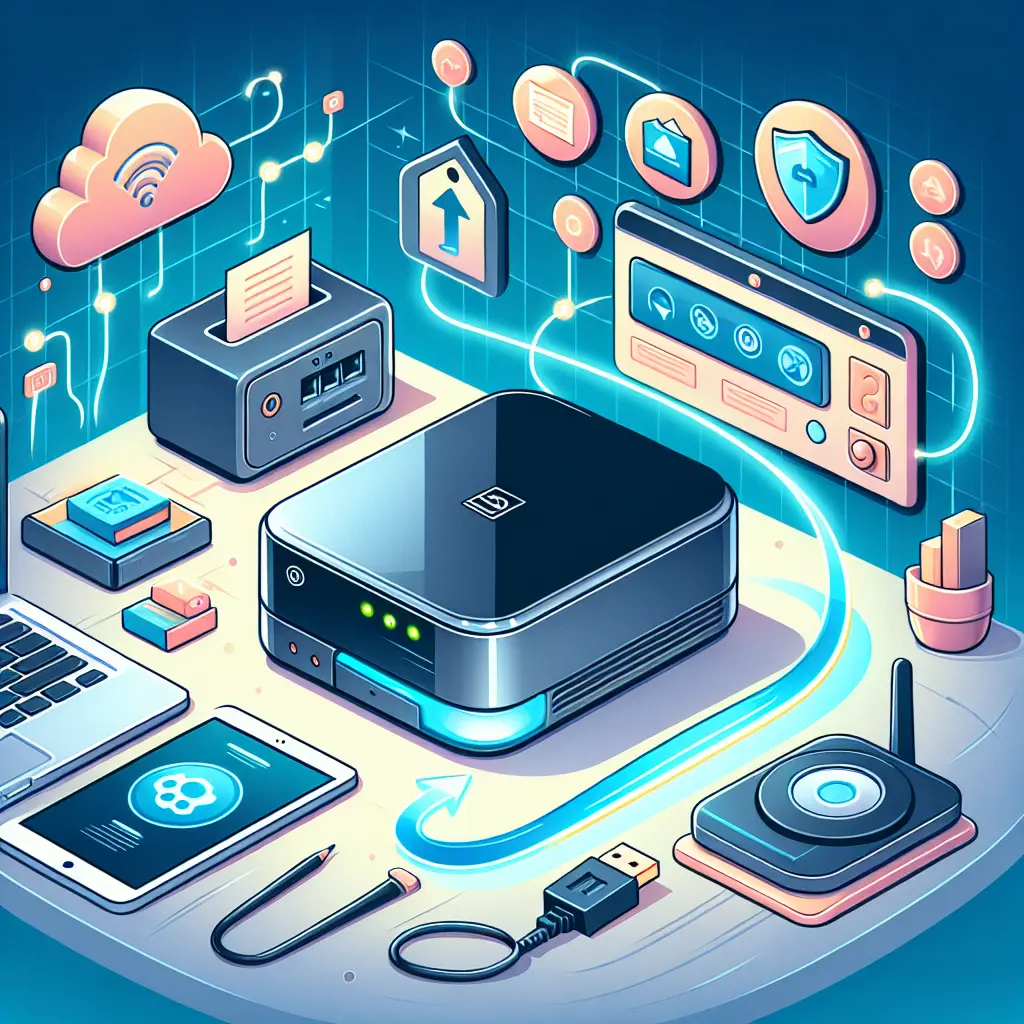
Network Attached Storage (NAS) refers to a specialized device connected to a network that provides centralized, shared storage for multiple users and devices. It operates as an independent file server, allowing easy access, backup, and sharing of data over a local network or remotely. NAS devices are user-friendly, scalable, and often include features like data redundancy, security, and remote access, making them ideal for both home and business environments seeking efficient data management.
Network Attached Storage (NAS) Basics
Network Attached Storage (NAS) refers to a specialized device connected to a network that provides centralized, shared storage for multiple users and devices. It operates as an independent file server, allowing easy access, backup, and sharing of data over a local network or remotely. NAS devices are user-friendly, scalable, and often include features like data redundancy, security, and remote access, making them ideal for both home and business environments seeking efficient data management.
💡 Key Takeaways
- Understand what a NAS is and why it's a dedicated networked file server for home use.
- Learn how NAS enables centralized storage, easy sharing across devices, and backups (including remote access).
- Identify key NAS features and common home use cases (RAID, multiple bays, media serving, apps).
- Grasp basic setup considerations: network, drives, user permissions, and basic security.
❓ Frequently Asked Questions
What is NAS and what does it do?
A NAS is a dedicated network-attached storage device that provides centralized file storage on a home or small office network. It runs its own OS, serves files to multiple devices, and supports backups, media streaming, and remote access.
How is NAS different from a USB hard drive or a server?
A USB hard drive is directly attached storage (DAS) for a single device. A NAS sits on the network and serves many devices, often with multiple drive bays, RAID options, and built-in features like user accounts and remote access.
What are the common protocols and features used by NAS?
NAS typically supports SMB/CIFS (Windows), NFS (Linux/macOS), and sometimes FTP or HTTPS for remote access. It may also offer RAID, snapshots, cloud backup, media apps, and user permissions.
Do I need RAID on a NAS, and what should I choose?
RAID provides redundancy and better performance, not a substitute for backups. Choose a level based on drive count: RAID 1 (mirror, 2 drives), RAID 5/6 (parity with 3+ drives), or RAID 10 (mirrored pairs). Maintain separate backups for important data.