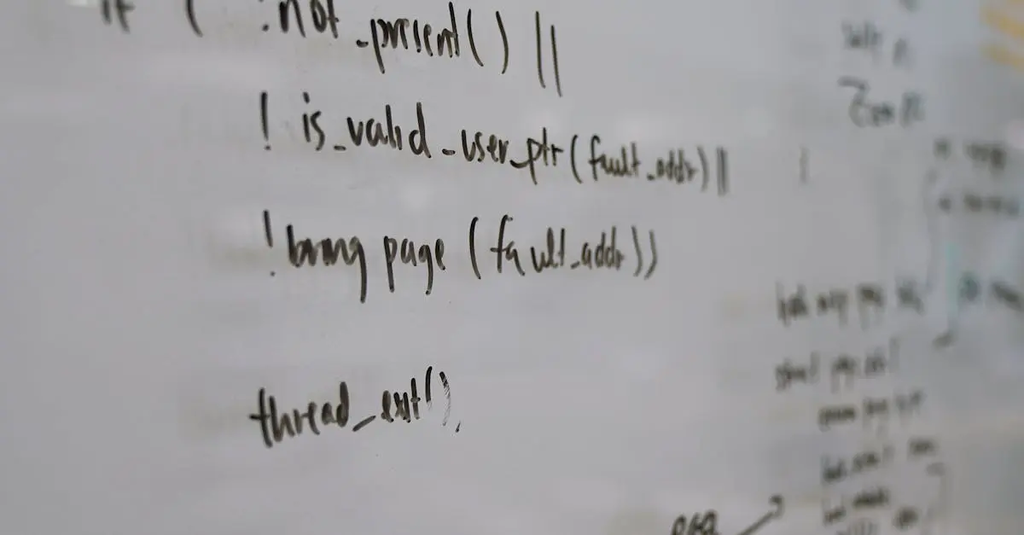
Operating Systems Internals refers to the underlying mechanisms and structures that enable an operating system to function. This includes components such as process management, memory management, file systems, device drivers, and system calls. Understanding OS internals involves exploring how the operating system manages hardware resources, ensures security, handles multitasking, and provides a stable interface for applications, ultimately ensuring efficient and reliable system operation.
Operating Systems Internals
Operating Systems Internals refers to the underlying mechanisms and structures that enable an operating system to function. This includes components such as process management, memory management, file systems, device drivers, and system calls. Understanding OS internals involves exploring how the operating system manages hardware resources, ensures security, handles multitasking, and provides a stable interface for applications, ultimately ensuring efficient and reliable system operation.

💡 Key Takeaways
- Understand how the OS schedules processes and allocates CPU time.
- Explain virtual memory, paging, and memory protection concepts.
- Describe how file systems manage data with inodes, blocks, and directories.
- Learn how system calls enable apps to request kernel services.
- Recognize the role of device drivers and kernel/user mode in I/O operations.
❓ Frequently Asked Questions
What are operating system internals?
The internal components and mechanisms that let an OS function, including process and memory management, file systems, device drivers, and system calls, coordinated by the kernel.
What is the difference between kernel space and user space?
Kernel space runs OS code with full privileges; user space runs applications with restricted privileges. Transitions occur via system calls.
What is a system call?
A controlled request from a user program to the kernel to perform privileged operations (e.g., open, read, write, fork).
What is virtual memory and page tables?
Virtual memory provides each process with a separate address space. Page tables map virtual addresses to physical frames, enabling isolation and efficient memory use.
What is process scheduling and context switching?
Scheduling decides which process runs next; a context switch saves the current process state and restores the next one to enable multitasking.