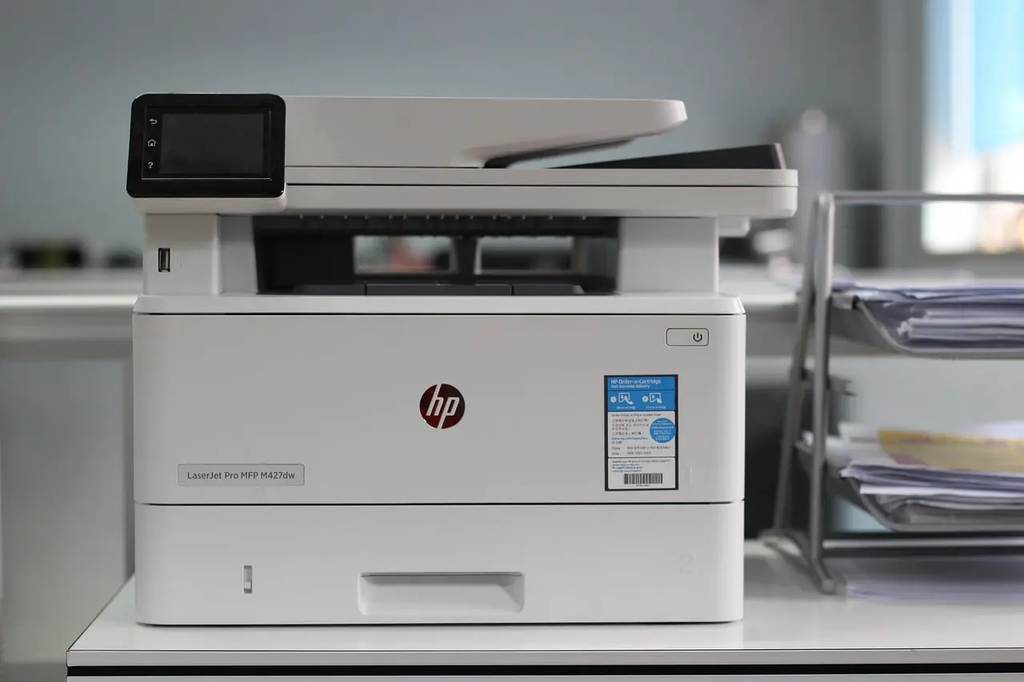
Printing and scanning at home refers to the use of personal printers and scanners to produce physical copies of digital documents or images and to digitize paper documents. This convenience allows users to manage paperwork, school assignments, and photos without visiting external print shops. Home devices often combine both functions in one machine, making it easy to handle routine tasks efficiently, save time, and maintain privacy for sensitive documents.
Printing and Scanning at Home
Printing and scanning at home refers to the use of personal printers and scanners to produce physical copies of digital documents or images and to digitize paper documents. This convenience allows users to manage paperwork, school assignments, and photos without visiting external print shops. Home devices often combine both functions in one machine, making it easy to handle routine tasks efficiently, save time, and maintain privacy for sensitive documents.
💡 Key Takeaways
- Understand the core functions of home printers and scanners and when to use each.
- Compare inkjet and laser printers to choose the right device for photos, documents, and school work.
- Learn how to set up printers and scanners at home, including wireless connections and mobile app workflows.
- Discover practical tips for maintaining devices and reducing printing costs, like ink management and paper choices.
- Explore scanning features (OCR, file formats, duplex scanning) and how to organize digital copies.
❓ Frequently Asked Questions
What is printing and scanning at home?
Printing at home uses a personal printer to produce paper copies from digital files, while scanning converts physical documents into digital form for storage or editing.
What is a multi-function printer (MFP) and how is it different from a standard printer?
An MFP combines printing, scanning, and often copying (and sometimes faxing) in one device, whereas a standard printer only prints.
What should I consider when choosing a home printer and scanner?
Assess your needs for color vs. monochrome printing, photo quality, scan size and OCR, wireless or USB connectivity, running costs, and available space.
How can I save money and keep my printer/scanner in good condition?
Use cost‑effective inks or toners, print in batches, enable duplex printing to save paper, keep drivers up to date, and clean the scanner glass and rollers regularly.