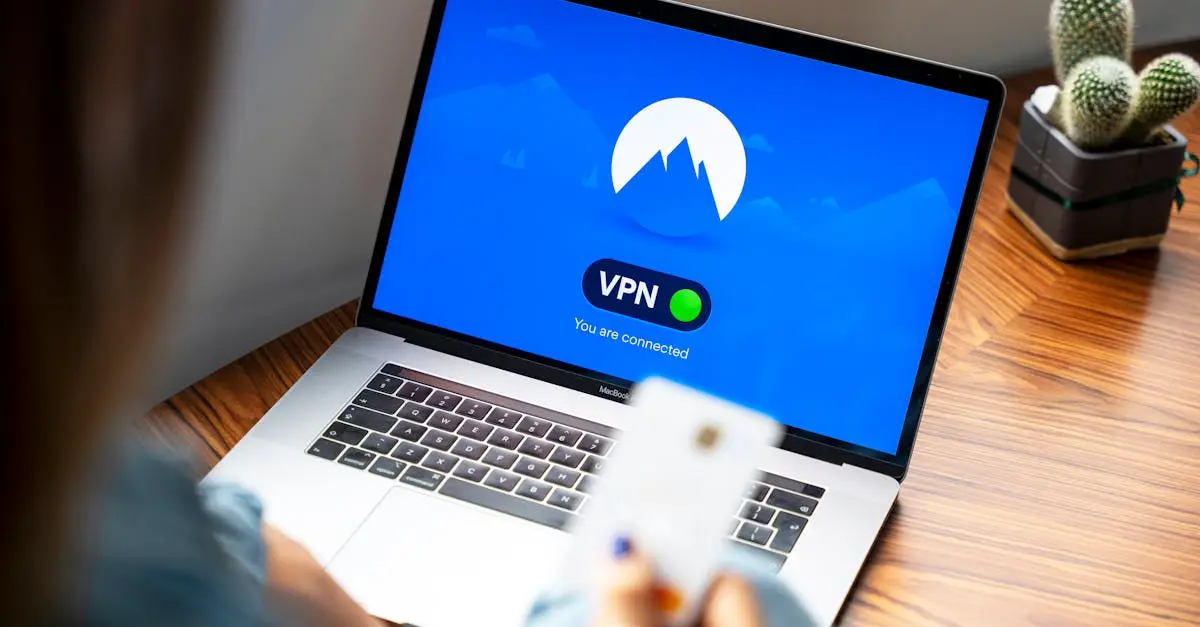
Safe Internet Practices refer to the habits and actions individuals take to protect themselves and their information while using the internet. These include using strong, unique passwords, being cautious with personal information, avoiding suspicious links or downloads, regularly updating software, and using secure networks. Practicing safe browsing, recognizing phishing attempts, and enabling two-factor authentication also help prevent identity theft, malware, and cyberattacks, ensuring a safer online experience.
Safe Internet Practices+50
Safe Internet Practices refer to the habits and actions individuals take to protect themselves and their information while using the internet. These include using strong, unique passwords, being cautious with personal information, avoiding suspicious links or downloads, regularly updating software, and using secure networks. Practicing safe browsing, recognizing phishing attempts, and enabling two-factor authentication also help prevent identity theft, malware, and cyberattacks, ensuring a safer online experience.
💡 Key Takeaways
- Use strong, unique passwords for all accounts and consider a password manager to keep them secure.
- Protect personal information by reviewing privacy settings and sharing only what’s necessary online.
- Be cautious with links and downloads: verify URLs, avoid suspicious sites, and don’t open unexpected attachments.
- Keep devices and software up to date with automatic updates and use built-in security features (antivirus, firewall, backups).
- Enable two-factor authentication (2FA) on accounts that support it for extra protection.
❓ Frequently Asked Questions
What are safe internet practices and why are they important?
Safe internet practices are habits and actions used to protect your information and devices online, such as strong passwords, cautious sharing of personal data, avoiding suspicious links and downloads, and keeping software updated.
How can you create strong, unique passwords?
Use 12+ characters with a mix of letters, numbers, and symbols; avoid reusing passwords across sites; consider a password manager to store and generate unique passwords.
How can you identify and avoid suspicious links and downloads?
Check the URL carefully (look for HTTPS and the exact domain), hover to preview links, be wary of unexpected messages or attachments, and avoid downloading from unknown sources.
Why is it important to regularly update software and apps?
Updates fix security vulnerabilities, protect against malware, and improve overall protection; enable automatic updates when possible.
What steps can you take to protect your personal information online?
Limit what you share, review privacy settings, enable two-factor authentication, be cautious on public networks, and think before posting personal details.