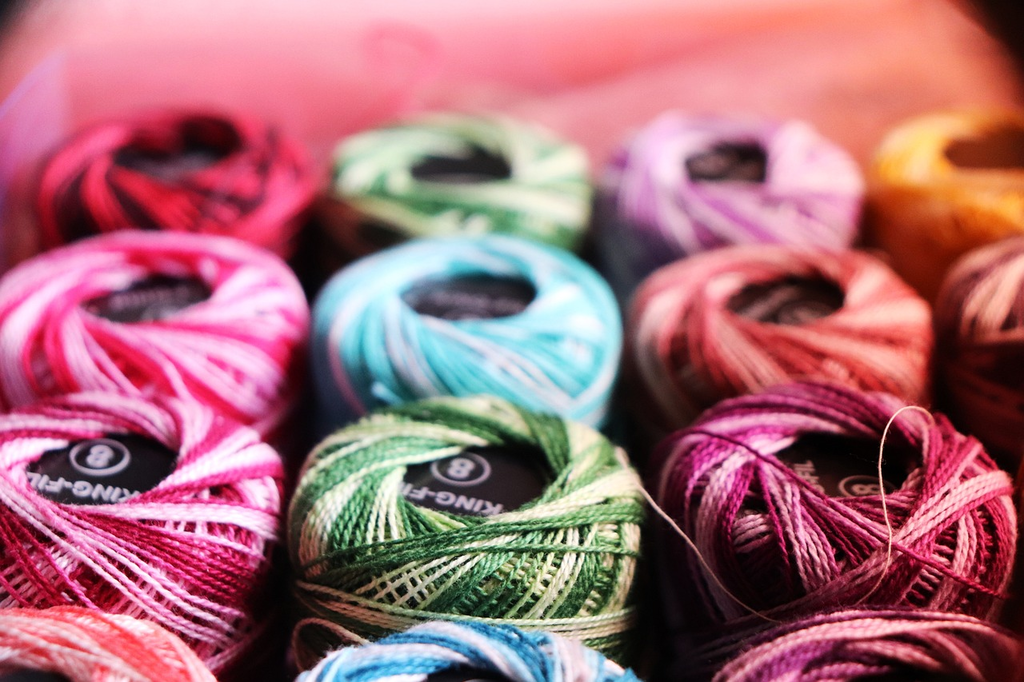
"Textures and Materials (Visual Challenge Vault)" refers to a curated collection or repository designed to test and enhance visual perception skills by presenting a variety of surfaces and substances. Participants are challenged to identify, differentiate, or creatively use various textures (like rough, smooth, or bumpy) and materials (such as wood, metal, or fabric), fostering a deeper understanding of their visual properties and how they interact in different contexts.
Textures and Materials
"Textures and Materials (Visual Challenge Vault)" refers to a curated collection or repository designed to test and enhance visual perception skills by presenting a variety of surfaces and substances. Participants are challenged to identify, differentiate, or creatively use various textures (like rough, smooth, or bumpy) and materials (such as wood, metal, or fabric), fostering a deeper understanding of their visual properties and how they interact in different contexts.

💡 Key Takeaways
- Understand what texture means in materials and how it affects feel and performance.
- Identify factors that shape texture, including composition, microstructure, surface finish, and processing history.
- Learn methods to assess texture, from qualitative touch tests to quantitative measures like roughness, stiffness, and porosity.
- Apply texture knowledge to select materials and processing parameters that achieve a desired tactile and functional outcome.
❓ Frequently Asked Questions
What is the difference between a texture and a material in digital rendering?
A texture is an image that adds color or pattern to a surface, while a material is a set of properties (color, roughness, metalness, reflectivity) that govern how light interacts with that surface, often using textures as inputs.
What are common texture map types used to define materials?
Albedo (color), Normal/Bump (detail), Roughness (surface roughness), Metallic (metal vs non-metal), Emissive (glow), and Ambient Occlusion (shading) are frequently used.
How does roughness influence the appearance of a material?
Roughness controls micro-surface light scattering: higher roughness yields a dull, matte look, while lower roughness produces sharper, brighter highlights.
Why use multiple texture maps when creating a material?
Using maps like albedo, roughness, normal, and metallic lets you simulate realistic light interaction without increasing geometry, enhancing realism efficiently.