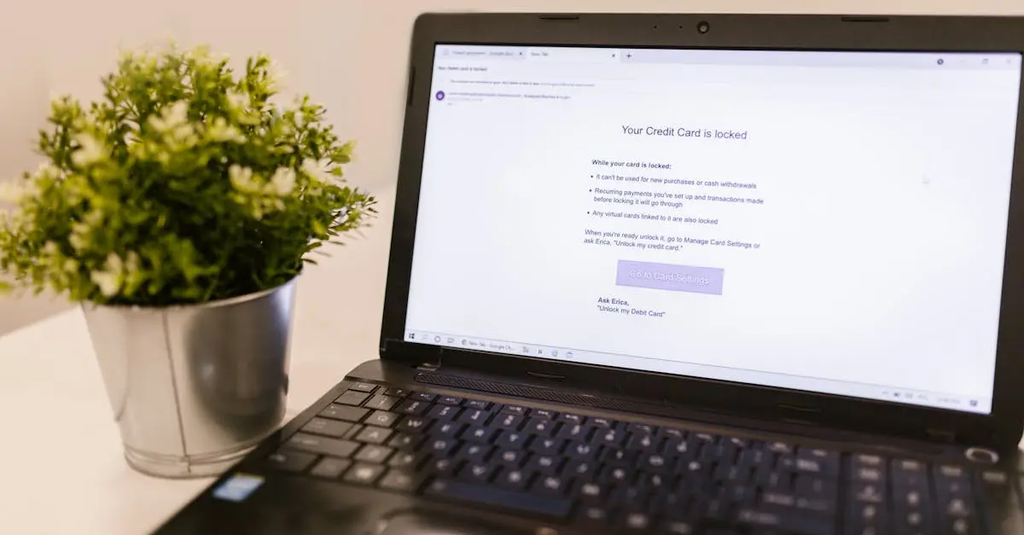
Two-Factor Authentication (2FA) is a security process that requires users to provide two different forms of identification before accessing an account or system. Typically, this involves something the user knows, like a password, and something the user has, such as a code sent to their phone or generated by an authentication app. 2FA significantly enhances account security by making unauthorized access much more difficult.
Two-Factor Authentication
Two-Factor Authentication (2FA) is a security process that requires users to provide two different forms of identification before accessing an account or system. Typically, this involves something the user knows, like a password, and something the user has, such as a code sent to their phone or generated by an authentication app. 2FA significantly enhances account security by making unauthorized access much more difficult.
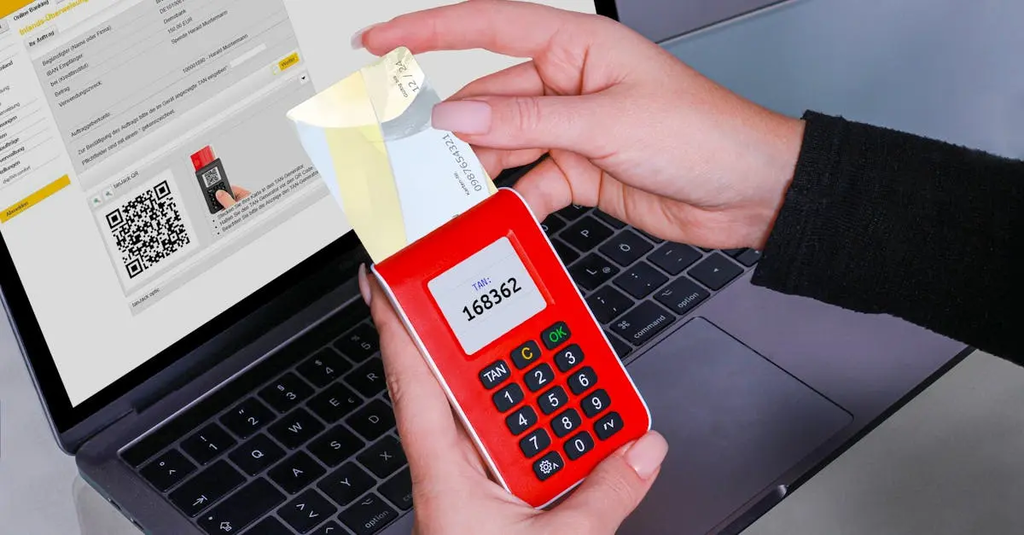
💡 Key Takeaways
- Understand what Two-Factor Authentication (2FA) is and why it adds a security layer beyond passwords.
- Identify the two factors used in 2FA: something you know (a password) and something you have (a code from a phone, authenticator app, or hardware key).
- Explore common 2FA methods (SMS codes, authenticator apps, and hardware keys) and how they are used during login.
- Follow best practices for 2FA: enable it on accounts, prefer authenticator apps over SMS, save backup codes securely, and know how to recover access if you lose your second factor.
❓ Frequently Asked Questions
What is two-factor authentication (2FA)?
A security process that requires two different forms of identification before you can access an account—usually something you know (password) and something you have (a code, token, or notification).
What are common second factors used in 2FA?
A code from an authenticator app (TOTP), a code sent by SMS, a hardware security key, or a push approval from an app.
Why should I enable 2FA?
It adds an extra layer of protection, so even if your password is stolen, an attacker still needs the second factor to sign in.
How do I set up 2FA and what should I watch out for?
Enable 2FA in your account’s security settings, choose a preferred method (authenticator app or hardware key), save backup codes, and keep recovery options up to date; prefer authenticator apps over SMS to avoid SIM-swapping risks.