Using advanced app prototyping tools for daily mobile apps streamlines the design and development process by enabling rapid creation of interactive mockups. These tools allow designers and developers to visualize user interfaces, test user flows, and gather feedback before actual coding begins. This approach reduces development time, minimizes costly errors, and ensures that daily mobile apps are user-friendly, functional, and tailored to meet user needs efficiently.
Using Advanced App Prototyping Tools
Using advanced app prototyping tools for daily mobile apps streamlines the design and development process by enabling rapid creation of interactive mockups. These tools allow designers and developers to visualize user interfaces, test user flows, and gather feedback before actual coding begins. This approach reduces development time, minimizes costly errors, and ensures that daily mobile apps are user-friendly, functional, and tailored to meet user needs efficiently.

💡 Key Takeaways
- Create high-fidelity, interactive prototypes with realistic transitions and micro-interactions.
- Use components, variants, and auto-layout to build scalable, reusable UI patterns.
- Incorporate real data and API integrations to simulate authentic app behavior.
- Collaborate with teammates through versioning, comments, and developer handoff features.
❓ Frequently Asked Questions
What is the purpose of advanced app prototyping tools?
They let you create interactive, clickable previews of an app to explore flows, test ideas, and communicate design intent before building.
What is the difference between low-fidelity and high-fidelity prototypes?
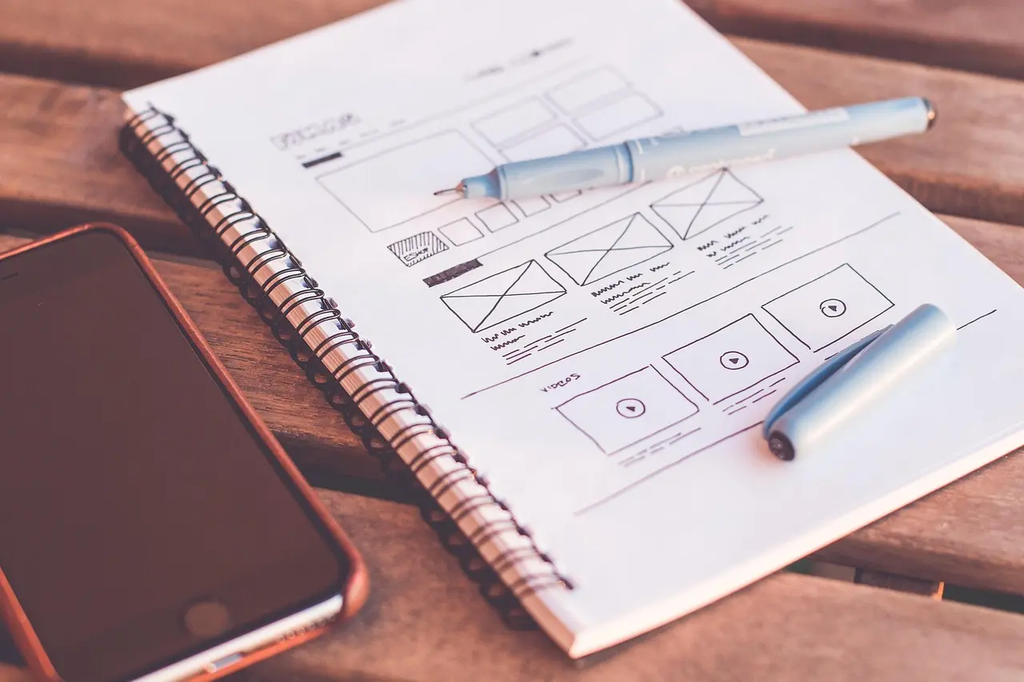
Low-fidelity prototypes focus on layout and user flow with few visuals, while high-fidelity prototypes simulate final UI, visuals, and interactions for realistic testing.
How do interactions and animations help prototypes?
They demonstrate screen transitions and responses to user input, making usability testing more accurate and revealing issues early.
What features support collaboration and developer handoff?
Shared workspaces, version control, design systems, asset export, and auto-generated specs or code snippets streamline teamwork and handoffs.