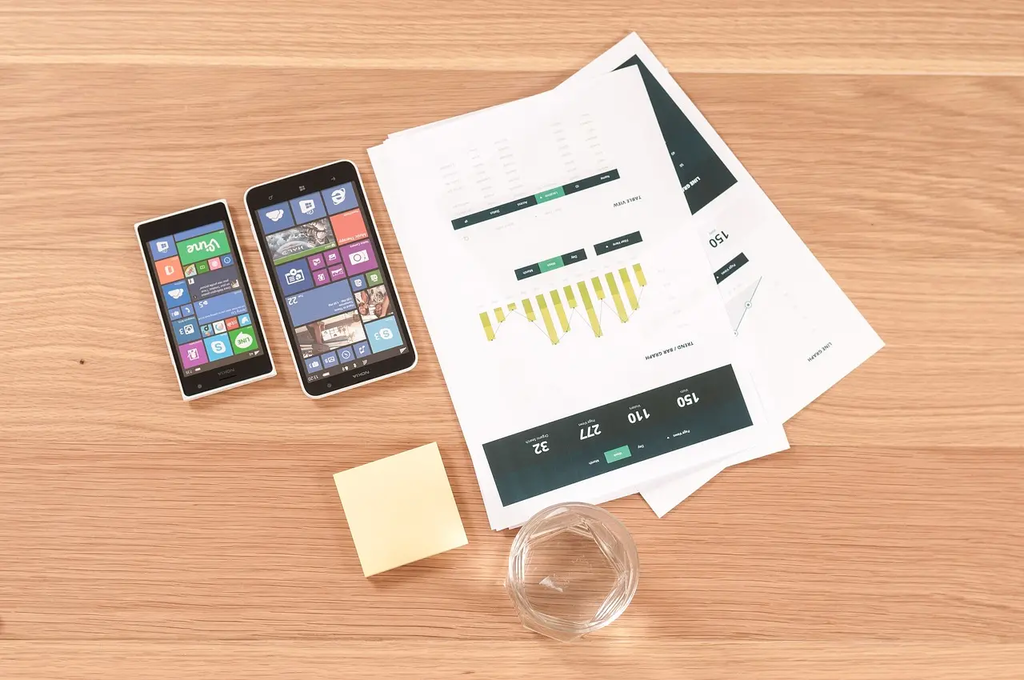
Using advanced productivity apps, especially daily mobile apps, refers to leveraging sophisticated digital tools on smartphones to efficiently manage tasks, schedules, and goals. These apps offer features like reminders, collaboration, note-taking, time tracking, and automation, helping users organize their personal and professional lives. By integrating such apps into daily routines, individuals can enhance focus, streamline workflows, and boost overall productivity, making it easier to stay on top of responsibilities and deadlines.
Using Advanced Productivity Apps
Using advanced productivity apps, especially daily mobile apps, refers to leveraging sophisticated digital tools on smartphones to efficiently manage tasks, schedules, and goals. These apps offer features like reminders, collaboration, note-taking, time tracking, and automation, helping users organize their personal and professional lives. By integrating such apps into daily routines, individuals can enhance focus, streamline workflows, and boost overall productivity, making it easier to stay on top of responsibilities and deadlines.

💡 Key Takeaways
- Master features like automation, templates, and smart filters in productivity apps.
- Design efficient multi-step workflows across tasks, calendars, and reminders.
- Integrate apps and data sources for a connected productivity ecosystem.
- Create custom automations and templates to save time and reduce repetitive work.
❓ Frequently Asked Questions
What is an advanced productivity app?
An app that goes beyond basic task lists by offering automation, AI features, deep integrations, templates, and analytics to streamline complex workflows.
How do advanced productivity apps automate tasks?
They use triggers, conditions, and actions to perform steps automatically, e.g., turning emails into tasks, syncing data between apps, or scheduling reminders.
What features should you evaluate when choosing an advanced productivity app?
Look for strong integrations, built-in automation, templates, cross-device sync, offline access, security features, and clear analytics.
How can I protect my data when using these apps?
Use strong passwords and multi-factor authentication, review permissions, enable security controls, and regularly back up or export your data.
How can I avoid tool overload when using several advanced productivity apps?
Define a core set of tools as your source of truth, centralize data via integrations, document workflows, and periodically prune unused apps.