Whole-Home VPN and Remote Access refers to a network setup where all devices within a household connect to the internet through a Virtual Private Network (VPN). This ensures that every device benefits from secure, encrypted connections, protecting privacy and bypassing geo-restrictions. Additionally, remote access allows users to securely connect to their home network from outside locations, enabling safe file sharing and device management as if they were physically present at home.
Whole‑Home VPN and Remote Access
Whole-Home VPN and Remote Access refers to a network setup where all devices within a household connect to the internet through a Virtual Private Network (VPN). This ensures that every device benefits from secure, encrypted connections, protecting privacy and bypassing geo-restrictions. Additionally, remote access allows users to securely connect to their home network from outside locations, enabling safe file sharing and device management as if they were physically present at home.
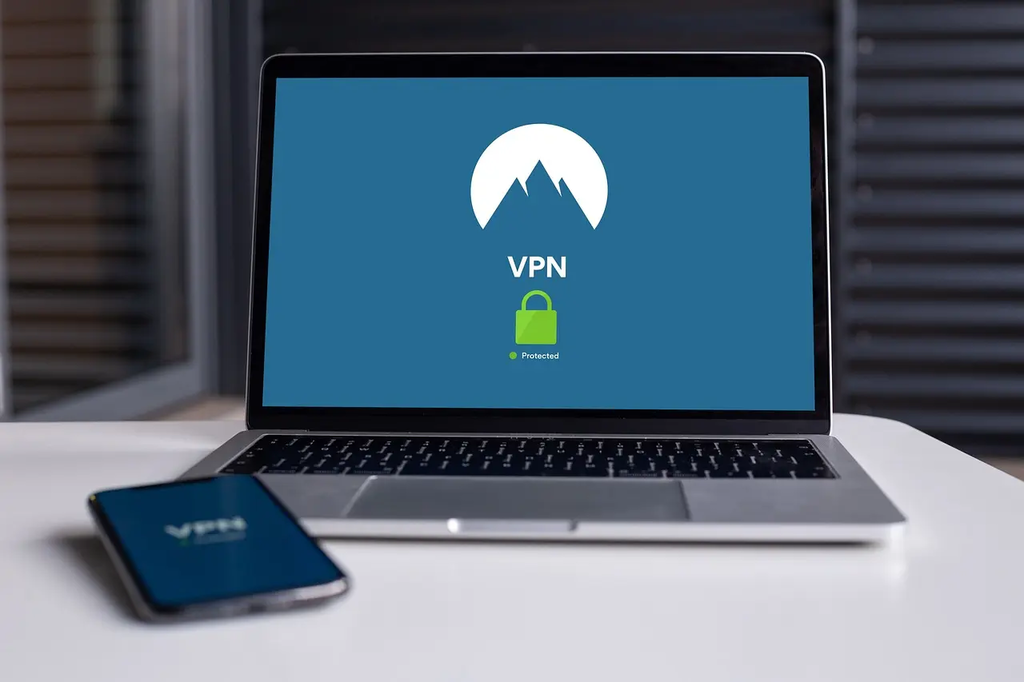
💡 Key Takeaways
- What a whole-home VPN is and how it routes all home devices through one encrypted tunnel.
- How VPNs protect privacy, secure traffic, and can help access geo-restricted content on all devices.
- How to set up a home VPN (router or gateway) and choose VPN protocols and authentication.
- Common considerations and troubleshooting: performance impact, device compatibility, and enabling remote access.
❓ Frequently Asked Questions
What is a whole-home VPN and how is it different from using VPN on individual devices?
A whole-home VPN routes all home traffic through one VPN connection, typically via a VPN-enabled router, so every device uses the VPN automatically. This differs from installing VPN apps on each device, which requires per-device setup and control.
What is remote access in the context of a home VPN?
Remote access lets you securely connect to your home network from outside your house, giving you access to devices and files as if you were on the home network, usually via a VPN client connected to the home gateway.
How can you set up a whole-home VPN?
Options include using a VPN-enabled router, flashing a router with VPN firmware (e.g., DD-WRT, OpenWrt, AsusWRT), or running a VPN server on a NAS or single-board computer (like a Raspberry Pi).
What should you consider before implementing a whole-home VPN?
Consider potential speed reductions, device compatibility, DNS leaks, and the need for a reliable gateway, dynamic DNS or a static IP, and proper security measures for remote access (e.g., strong authentication and a kill switch).