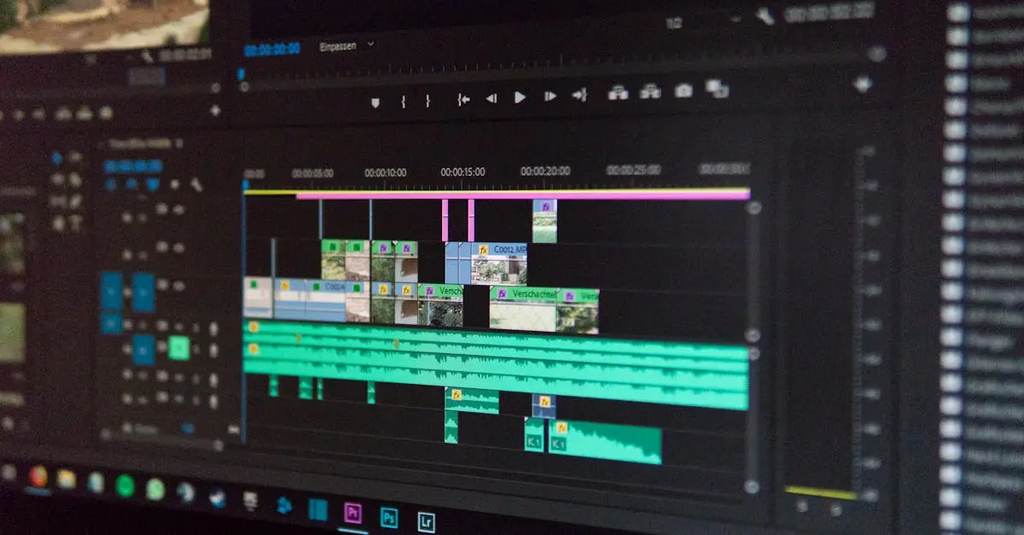
Audio editing involves manipulating and refining sound recordings to achieve desired quality and effects. Digital Audio Workstations (DAWs) are specialized software platforms that facilitate this process, offering tools for recording, editing, mixing, and mastering audio. Workflow refers to the organized sequence of steps and techniques used within DAWs to efficiently produce professional audio projects, ensuring smooth transitions from raw recordings to polished final outputs through streamlined processes and creative decision-making.
Audio Editing, DAWs & Workflow
Audio editing involves manipulating and refining sound recordings to achieve desired quality and effects. Digital Audio Workstations (DAWs) are specialized software platforms that facilitate this process, offering tools for recording, editing, mixing, and mastering audio. Workflow refers to the organized sequence of steps and techniques used within DAWs to efficiently produce professional audio projects, ensuring smooth transitions from raw recordings to polished final outputs through streamlined processes and creative decision-making.
💡 Key Takeaways
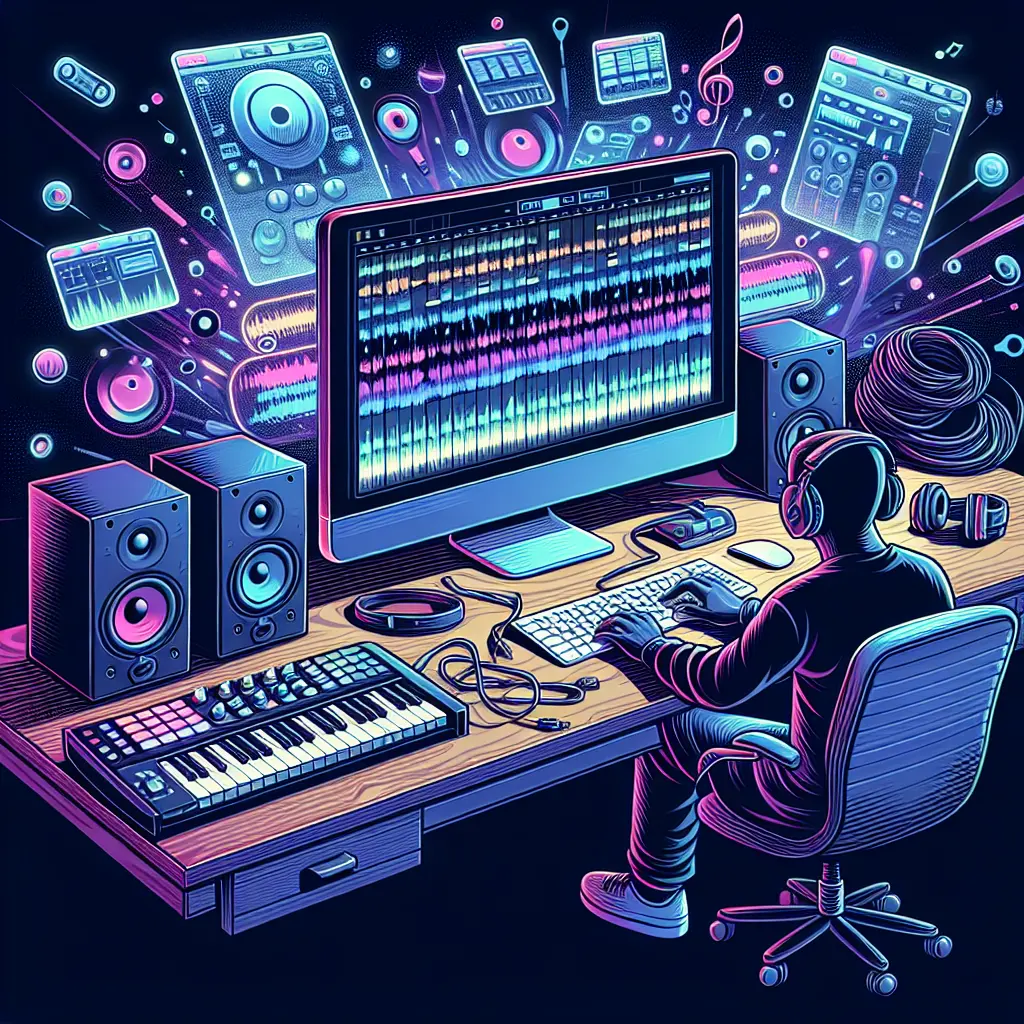
- Understand how DAWs fit into audio editing, mixing, and mastering workflows.
- Navigate a DAW interface: arrange timeline, tracks, clips, and the mixer efficiently.
- Perform foundational editing: trimming, cutting, fades, crossfades, and comping takes.
- Apply essential processing: EQ, compression, reverb/delay, and basic dynamic control.
- Optimize your workflow: templates, session organization, routing (buses/aux sends), and non-destructive editing/export.
❓ Frequently Asked Questions
What is a DAW and what is it used for?
A Digital Audio Workstation is software for recording, editing, arranging, mixing, and mastering audio. It provides a timeline, tracks, effects, and virtual instruments to create finished audio.
What does non-destructive editing mean in a DAW?
Edits are saved as instructions and do not permanently alter the original audio file, allowing you to undo or revise changes at any time.
What is automation in a DAW and why is it useful?
Automation lets you program changes in parameters (like volume, pan, or effects) over time, enabling dynamic, evolving mixes without manual adjustments during playback.
What is latency, and how can you reduce it in a DAW?
Latency is the delay between input and what you hear. Reduce it by lowering the audio buffer size, using direct monitoring, and keeping drivers and hardware up to date.