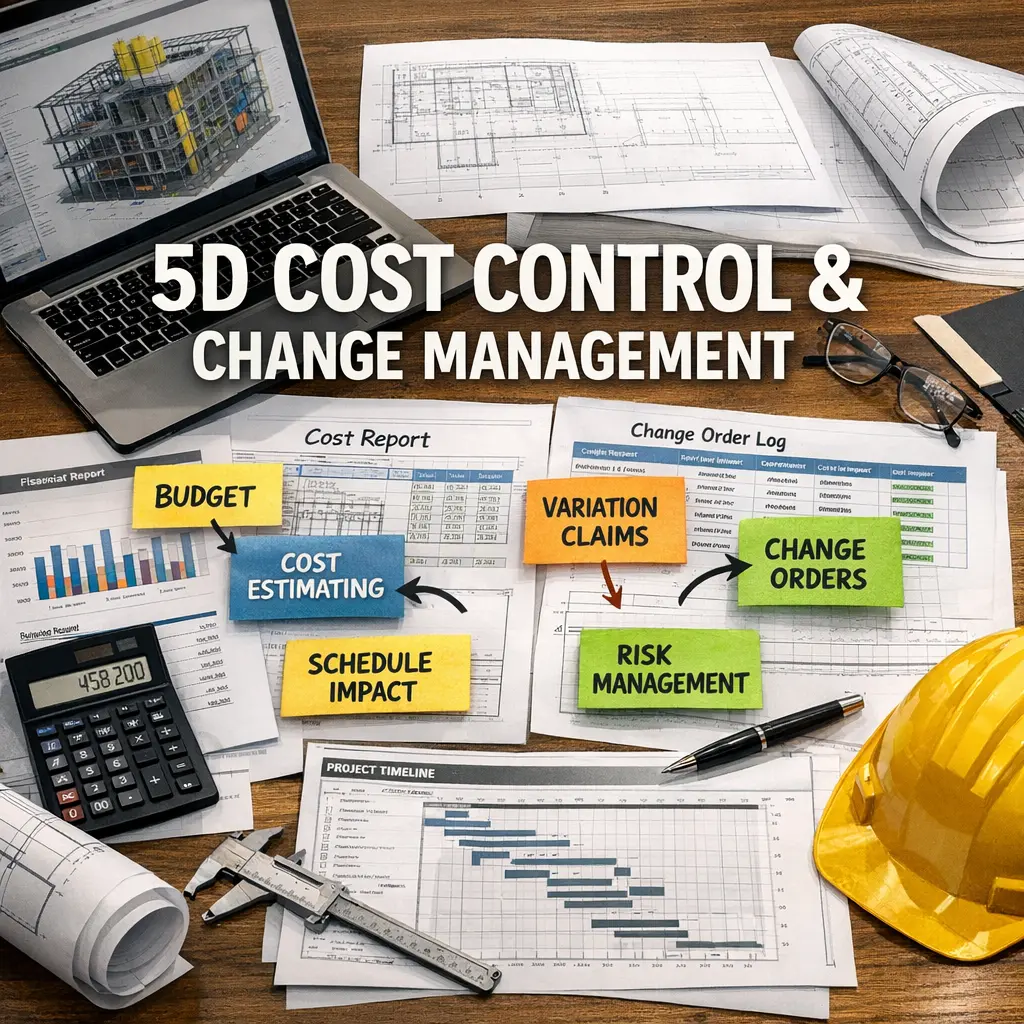
CAD Software Applications are digital tools used in the construction industry for designing, drafting, and managing building projects. These applications enable professionals to create precise 2D and 3D models, generate construction documents, and visualize structures before they are built. By streamlining workflows, improving accuracy, and facilitating collaboration among architects, engineers, and contractors, CAD software enhances project efficiency and supports better decision-making throughout the construction process.
CAD Software Applications+50
CAD Software Applications are digital tools used in the construction industry for designing, drafting, and managing building projects. These applications enable professionals to create precise 2D and 3D models, generate construction documents, and visualize structures before they are built. By streamlining workflows, improving accuracy, and facilitating collaboration among architects, engineers, and contractors, CAD software enhances project efficiency and supports better decision-making throughout the construction process.

💡 Key Takeaways
- Identify common CAD software and their typical applications for 2D drafting, 3D modeling, and assemblies.
- Understand core CAD concepts like sketches, constraints, parametric modeling, and basic features (extrude, revolve, fillet).
- Compare workflows and file formats across major CAD tools (AutoCAD, SolidWorks, Fusion 360) and common exports (DWG, STEP, STL).
- Apply CAD best practices for creating precise drawings, organized assemblies, and robust version control.
❓ Frequently Asked Questions
What is CAD software?
CAD stands for computer-aided design. It enables precise 2D drawings and 3D models for engineering, architecture, and manufacturing, replacing manual drafting.
What’s the difference between 2D drafting and 3D modeling in CAD?
2D drafting creates flat drawings with views and dimensions; 3D modeling builds solid or surface models you can view, analyze, and fabricate.
What are parametric vs direct modeling?
Parametric modeling uses constraints and parameters to drive geometry, so changes propagate automatically; direct modeling edits geometry directly without fixed relationships.
Which file formats are commonly used in CAD?
Common formats include DWG and DXF for drawings, STEP and IGES for 3D data exchange, and STL for 3D printing; many programs also use native formats and export options.