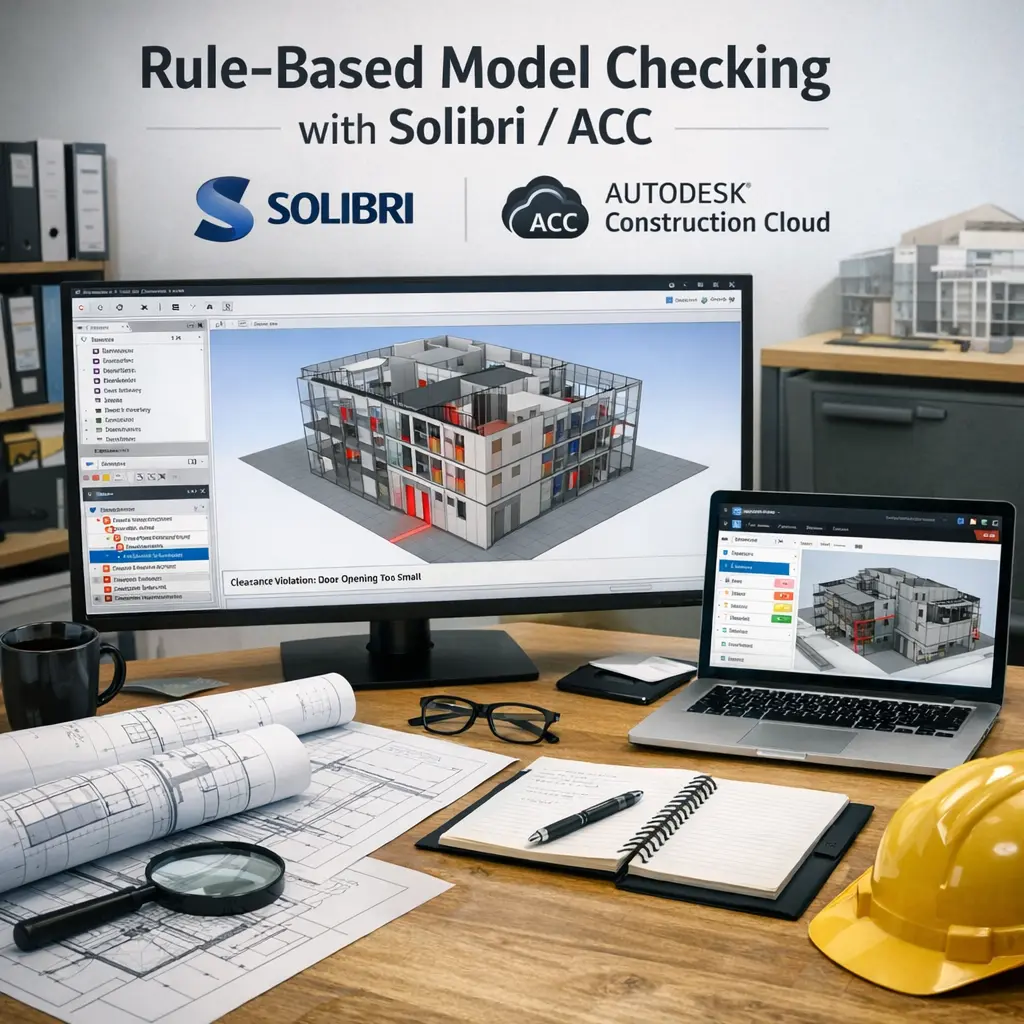
Rule-Based Model Checking with Solibri/ACC refers to the use of digital tools like Solibri and Autodesk Construction Cloud (ACC) to automatically validate building information models against predefined rules and standards. This process helps ensure design quality, regulatory compliance, and coordination by identifying errors or clashes early in the construction process. It streamlines project management, improves collaboration, and reduces costly mistakes by leveraging automated checks within digital construction workflows.
Rule-Based Model Checking with Solibri/ACC
Rule-Based Model Checking with Solibri/ACC refers to the use of digital tools like Solibri and Autodesk Construction Cloud (ACC) to automatically validate building information models against predefined rules and standards. This process helps ensure design quality, regulatory compliance, and coordination by identifying errors or clashes early in the construction process. It streamlines project management, improves collaboration, and reduces costly mistakes by leveraging automated checks within digital construction workflows.
💡 Key Takeaways
- Understand what rule-based model checking is and why it's useful in BIM projects.
- Learn how Solibri/ACC enables creating, managing, and executing automated checking rules.
- Learn to read check results, classify issues, and prioritize fixes.
- Discover how to integrate rule checks into design workflows and team collaboration.
❓ Frequently Asked Questions
What is rule-based model checking in Solibri/ACC?
Rule-based model checking automatically verifies a BIM model against predefined rules to detect design and compliance issues, examining geometry, properties, classifications, and relationships to flag violations.
What is Solibri used for in model checking?
Solibri is a BIM quality-assurance tool that runs rule-based checks, validates data, detects inconsistencies, and generates reports to support coordination and compliance workflows.
What is a rule set in Solibri/ACC and how is it used?
A rule set is a collection of checks you enable and customize, defining what to inspect (geometry, naming, classifications) and what counts as a violation.
How should I respond to a violation found by the checker?
Open the violation details, locate the issue in the model, correct the underlying data or geometry to satisfy the rule, then rerun checks.
How do I get started with rule-based checking in Solibri/ACC?
Install Solibri, import your BIM/IFC model, load a rule set (built-in or custom), run checks, review and fix issues, and repeat; export a report if needed.