Digital Painting Fundamentals (Visual Arts & Design Skills) refers to the essential techniques and core principles required to create art using digital tools. This includes understanding brushwork, layering, color theory, composition, and lighting within digital software. Mastery of these basics enables artists to effectively translate traditional art skills into digital formats, fostering creativity and proficiency in visual storytelling, concept art, and design projects across various digital platforms.
Digital Painting Fundamentals
Digital Painting Fundamentals (Visual Arts & Design Skills) refers to the essential techniques and core principles required to create art using digital tools. This includes understanding brushwork, layering, color theory, composition, and lighting within digital software. Mastery of these basics enables artists to effectively translate traditional art skills into digital formats, fostering creativity and proficiency in visual storytelling, concept art, and design projects across various digital platforms.
💡 Key Takeaways
- Identify essential digital painting tools, layers, and brush types used in common workflows.
- Apply basic color theory to build harmonious palettes and believable lighting for digital art.
- Block in forms and establish value, contrast, and edge control to create depth.
- Develop practical brushwork and texture techniques to achieve painterly or polished finishes.
❓ Frequently Asked Questions
What is digital painting?
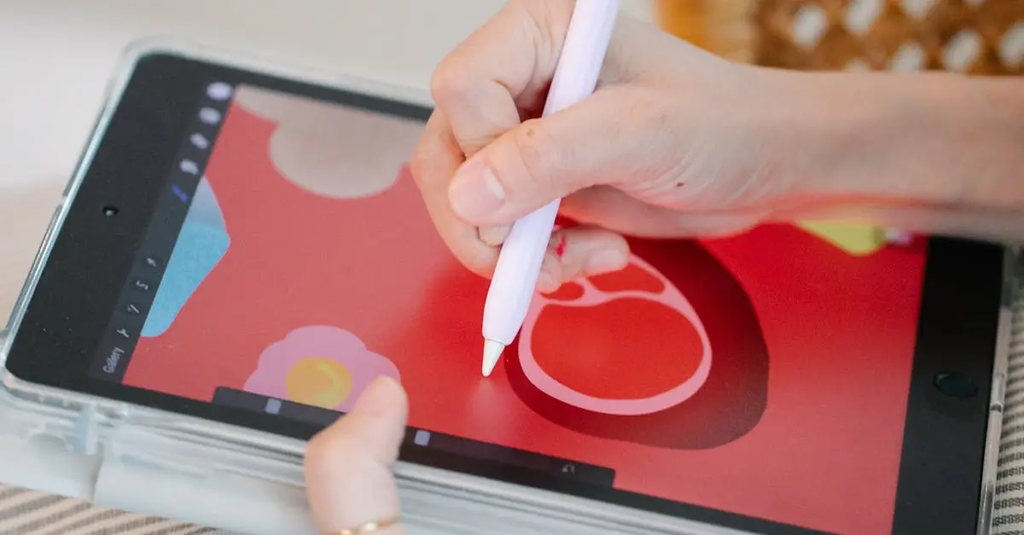
Digital painting uses software and hardware (like a tablet and stylus) to simulate traditional painting with brushes, colors, and blending on a computer or tablet.
What hardware and software do I need to start?
A graphics tablet or display, a stylus, a computer or tablet, and painting software (e.g., Procreate, Photoshop, Krita, Clip Studio Paint). Optional: color-accurate monitor and a comfortable workspace.
What are layers and blending modes, and why are they useful?
Layers let you work on separate elements without mutating others; blending modes change how colors on a layer mix with layers below, enabling shading, texture, and non-destructive edits.
What is a simple workflow for a digital painting?
Start with a rough sketch on a layer, block in flat colors on their own layers, build shading and highlights on additional layers, add texture/details, then adjust color/contrast and export.