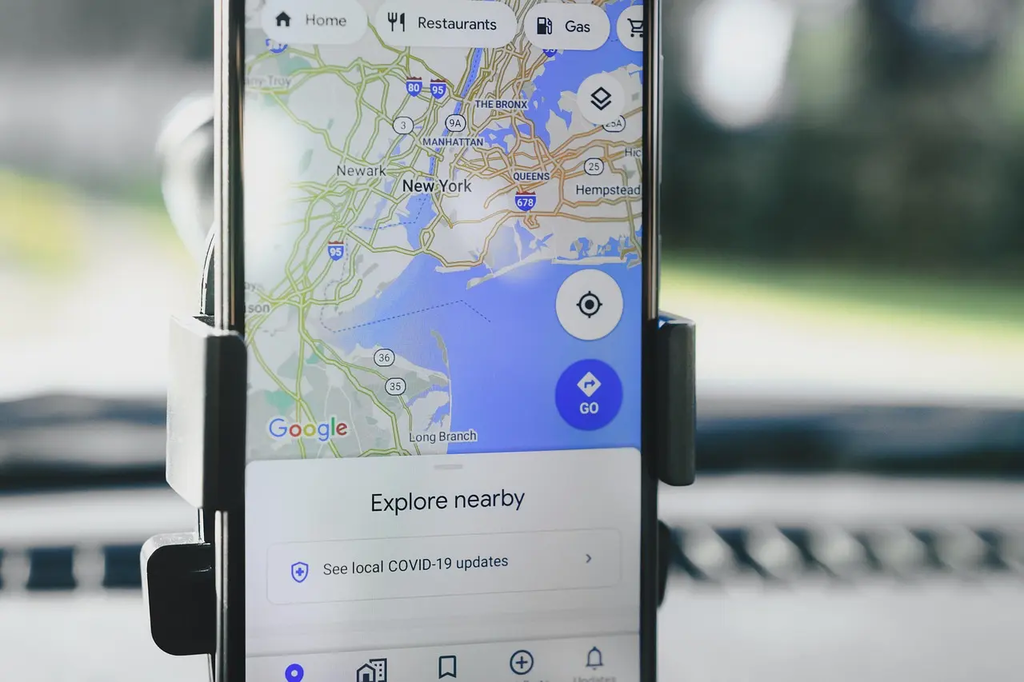
GPS and navigation apps are digital tools that use Global Positioning System technology to determine a user's precise location and provide real-time directions. These apps help users find the quickest or most convenient routes, avoid traffic congestion, and discover points of interest such as restaurants or gas stations. Widely used on smartphones and vehicles, they enhance travel efficiency and safety, making navigation easier for drivers, cyclists, and pedestrians alike.
GPS and Navigation Apps
GPS and navigation apps are digital tools that use Global Positioning System technology to determine a user's precise location and provide real-time directions. These apps help users find the quickest or most convenient routes, avoid traffic congestion, and discover points of interest such as restaurants or gas stations. Widely used on smartphones and vehicles, they enhance travel efficiency and safety, making navigation easier for drivers, cyclists, and pedestrians alike.
💡 Key Takeaways
- Understand how GPS signals, map data, and routing algorithms work together to provide driving directions.
- Learn how real-time traffic, incidents, and road closures influence route choices and ETAs.
- Discover how to use features like offline maps, rerouting, and points of interest for trip planning.
- Be aware of privacy and permissions considerations when using GPS/navigation apps.
❓ Frequently Asked Questions
What is GPS and how do navigation apps use it?
GPS is a satellite-based system that provides your device's location. Navigation apps read your GPS position, show it on a map, and offer directions and estimated travel times, often combining GPS with cellular data and Wi‑Fi data to improve accuracy.
How do navigation apps determine the fastest or best route?
They use map data plus real-time traffic information (from sensors, crowd-sourced reports, and partner data) to estimate travel times and suggest the quickest or most convenient route. They can reroute automatically if conditions change.
What features are commonly found in GPS/navigation apps?
Turn-by-turn directions, live traffic updates, multiple route options, offline maps, points of interest, and estimated arrival times. Some apps also offer parking tips and fuel prices.
What should you consider for privacy and safety when using these apps while driving?
Review location permissions and limit background access if possible. Use voice guidance and set destinations before you drive. Avoid interacting with the app while driving and adjust sharing settings if needed.