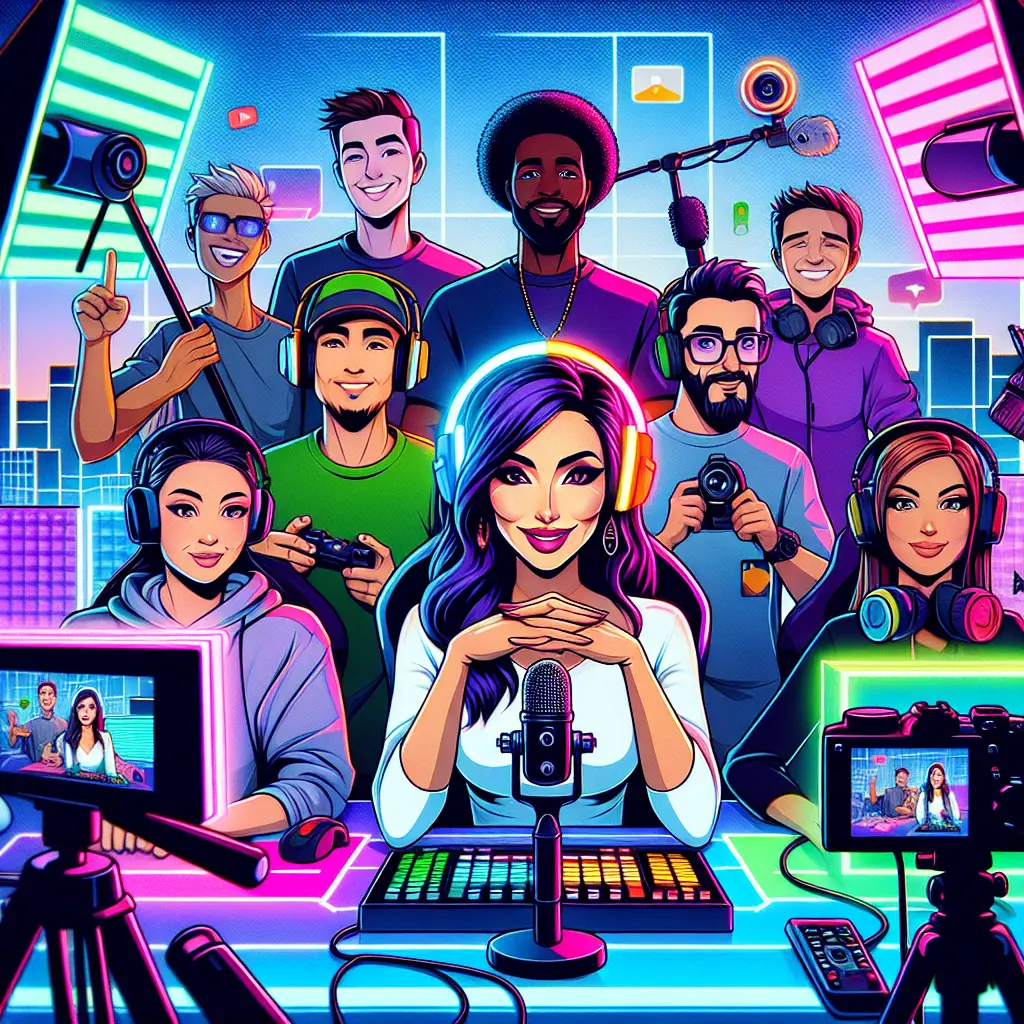
Livestream production involves planning, capturing, and broadcasting real-time video content to an online audience. OBS (Open Broadcaster Software) is a popular, free tool used to manage video sources, audio, and overlays during a livestream. Platforms such as YouTube, Twitch, and Facebook Live serve as distribution channels, allowing creators to reach viewers worldwide. Together, these elements enable engaging, interactive live broadcasts for events, gaming, education, and more.
Livestream Production, OBS & Platforms
Livestream production involves planning, capturing, and broadcasting real-time video content to an online audience. OBS (Open Broadcaster Software) is a popular, free tool used to manage video sources, audio, and overlays during a livestream. Platforms such as YouTube, Twitch, and Facebook Live serve as distribution channels, allowing creators to reach viewers worldwide. Together, these elements enable engaging, interactive live broadcasts for events, gaming, education, and more.
💡 Key Takeaways
- Understand the end-to-end livestream workflow from setup to going live, including OBS as the encoder and platform ingest.
- Configure OBS with scenes, sources (webcam, game capture, screen share, overlays), audio routing, and transitions for a professional broadcast.
- Evaluate and choose streaming platforms (YouTube, Twitch, Facebook/Meta, LinkedIn, etc.) and understand their basic requirements (bitrate, resolution, latency) to reach your audience.
- Optimize stream quality and reliability by setting appropriate bitrate, resolution, frame rate, audio levels, encoding presets, and performing basic troubleshooting.
❓ Frequently Asked Questions
What is OBS and why use it for livestreams?
OBS Studio is free, open‑source software that captures video and audio from multiple sources (cameras, screens, media) and combines them into scenes for live streaming. It lets you switch layouts, add overlays, and stream to various platforms using a stream key.
Which platforms can I stream to, and how do they differ?
Common options include YouTube Live, Twitch, Facebook Live, and LinkedIn Live. Differences include audience, chat features, monetization options, latency, and setup steps (platforms may require different stream keys or RTMP URLs).
How do I set up a basic OBS livestream?
Install OBS, create a Scene, add Sources (camera, screen/window capture, images or video), adjust the audio mixer, go to Settings > Stream, select the platform, enter the stream key, and click Start Streaming.
What are basic bitrate and resolution guidelines for a good quality stream?
Choose a resolution (e.g., 720p or 1080p) and frame rate (30fps or 60fps). Start with 720p30 at 2500–4000 kbps or 1080p30 at 4500–6000 kbps; for 1080p60, 6000–9000 kbps. Audio around 128–256 kbps. Adjust based on platform limits and hardware.