Minecraft update snapshots are early versions of upcoming game updates released by Mojang for testing purposes. They allow players to explore and experiment with new features, mechanics, and changes before they are officially added to the game. Snapshots often include new blocks, items, mobs, and gameplay adjustments, giving players a preview and enabling the community to provide feedback and report bugs, helping developers refine the final update.
Minecraft Update Snapshots and Features
Minecraft update snapshots are early versions of upcoming game updates released by Mojang for testing purposes. They allow players to explore and experiment with new features, mechanics, and changes before they are officially added to the game. Snapshots often include new blocks, items, mobs, and gameplay adjustments, giving players a preview and enabling the community to provide feedback and report bugs, helping developers refine the final update.
💡 Key Takeaways
- Understand what Minecraft update snapshots are and why Mojang releases them for testing before official updates.
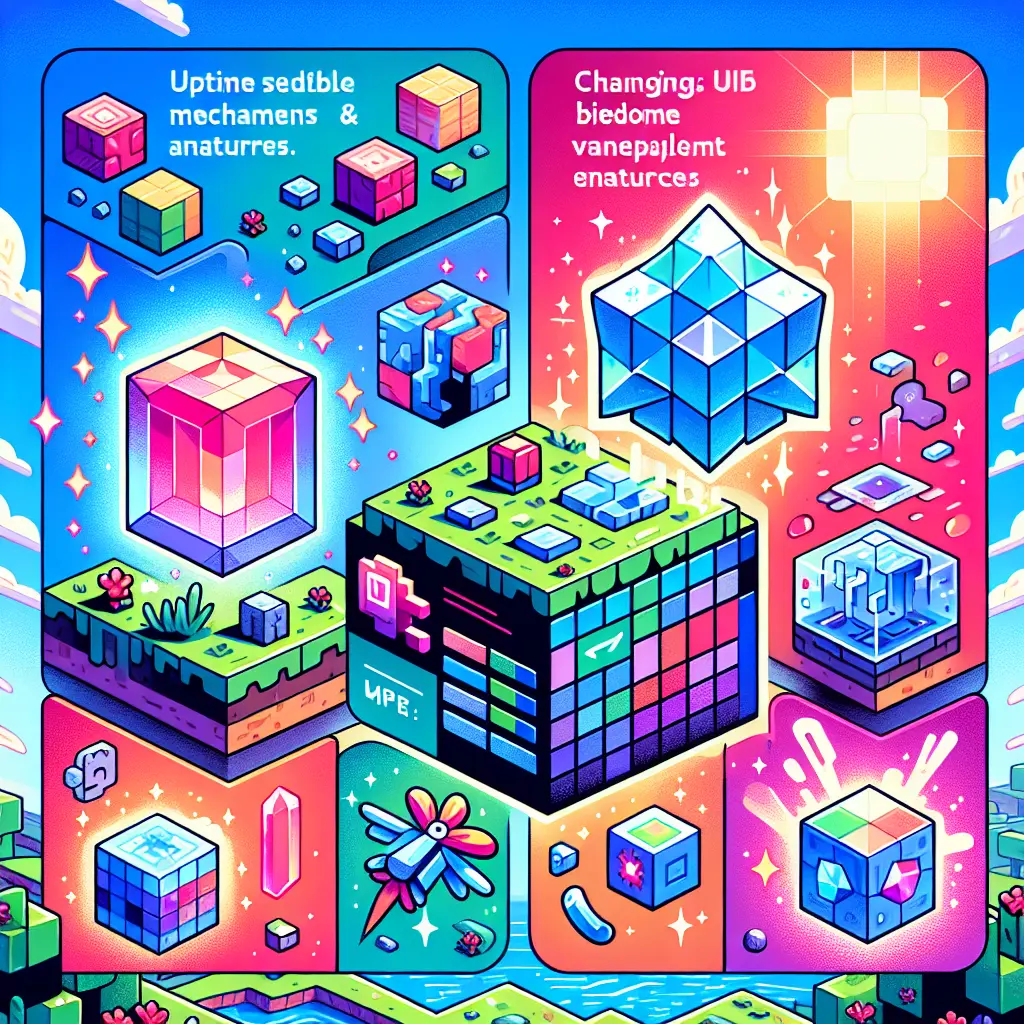
- Identify common snapshot content, such as new blocks, items, mobs, and gameplay changes.
- Learn how players participate in snapshot testing and how feedback shapes future updates.
- Recognize how snapshots influence Minecraft and broader gaming culture, including content creation and community discussion.
❓ Frequently Asked Questions
What is a Minecraft update snapshot?
An early test version of a forthcoming Mojang update released for players to explore new features, mechanics, and changes before the official release.
How do I try a Minecraft snapshot?
For Java Edition, open the Minecraft Launcher, create or edit an installation, and enable a Snapshot build to download and play it.
What can I expect in a snapshot?
New blocks, items, mobs, and game mechanics are added to test; snapshots are not final and can be buggy or subject to change.
Will worlds built in snapshots work in the final update?
Not always. Snapshots are testing builds; worlds created in them may not be fully compatible with later releases—back up saves and test with new worlds when the final update arrives.