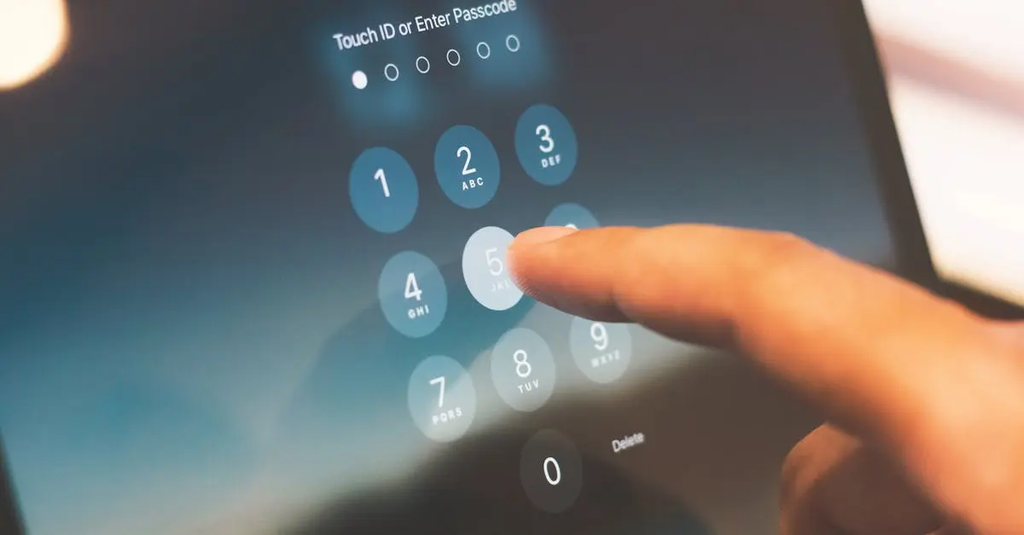
Mobile security involves protecting smartphones and tablets from threats. App permissions are controls that let users decide what data or features an app can access, like contacts or location, helping prevent misuse. Sandboxing is a security technique that isolates apps from each other and the system, so if one app is compromised, it can't affect others or access sensitive data. Together, permissions and sandboxing safeguard user privacy and device integrity.
Mobile Security: App Permissions & Sandboxing
Mobile security involves protecting smartphones and tablets from threats. App permissions are controls that let users decide what data or features an app can access, like contacts or location, helping prevent misuse. Sandboxing is a security technique that isolates apps from each other and the system, so if one app is compromised, it can't affect others or access sensitive data. Together, permissions and sandboxing safeguard user privacy and device integrity.
💡 Key Takeaways
- Understand what app permissions are and why they matter for privacy and security.
- Identify common permission types (location, contacts, camera, microphone, storage) and how to grant or revoke them.
- Explain how sandboxing isolates apps from each other and from system resources to reduce cross-app access.
- Follow best practices for mobile security, such as reviewing permissions before installation, keeping OS and apps updated, and using trusted sources.
❓ Frequently Asked Questions
What are app permissions and why do they matter?
App permissions control access to data and device features (like location, contacts, camera). They help protect your privacy by preventing apps from accessing things you don’t want them to.
How can you review and manage app permissions on Android and iOS?
Android: Settings > Apps > [App] > Permissions. iOS: Settings > [App] > Permissions or Settings > Privacy to see broader controls. You can grant or deny permissions here.
What is sandboxing in mobile security?
Sandboxing isolates each app so it can only access its own data and the system resources it’s allowed, reducing the impact of any security breach.
Why is sandboxing effective against threats?
If one app is compromised, sandboxing limits its ability to access other apps’ data or critical system parts, helping prevent data leakage and cross‑app attacks.
What practices help keep mobile permissions secure?
Grant permissions only when needed, review permissions regularly, deny unnecessary ones, and keep apps and the OS updated.