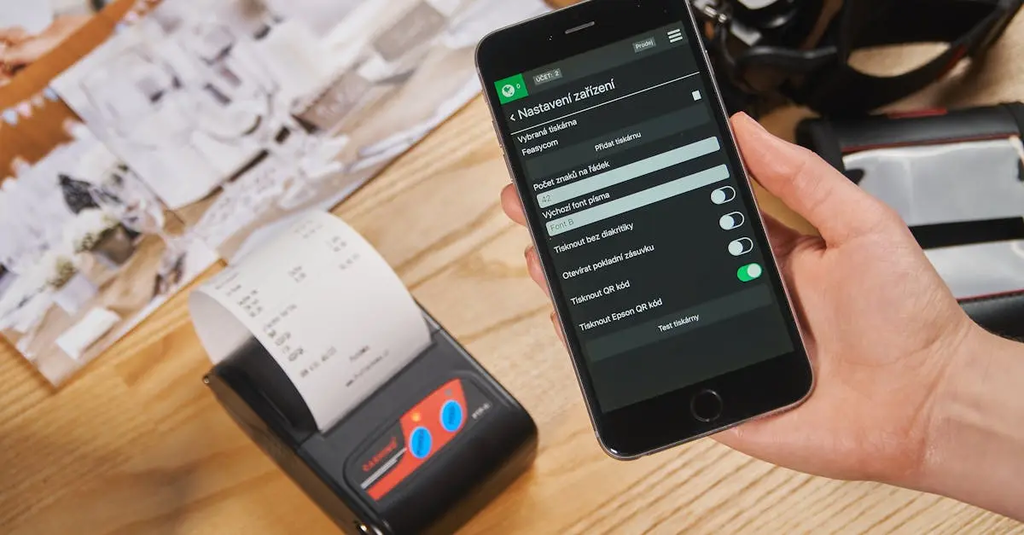
Multi-User Profiles and Permissions refer to a system feature that allows multiple individuals to have separate accounts or profiles within the same platform or application. Each user can have customized settings, preferences, and data. Permissions control what actions each user can perform or what information they can access, ensuring data privacy and security. This setup is commonly used in collaborative environments, enabling efficient resource sharing while maintaining appropriate access levels for each user.
Multi‑User Profiles and Permissions
Multi-User Profiles and Permissions refer to a system feature that allows multiple individuals to have separate accounts or profiles within the same platform or application. Each user can have customized settings, preferences, and data. Permissions control what actions each user can perform or what information they can access, ensuring data privacy and security. This setup is commonly used in collaborative environments, enabling efficient resource sharing while maintaining appropriate access levels for each user.
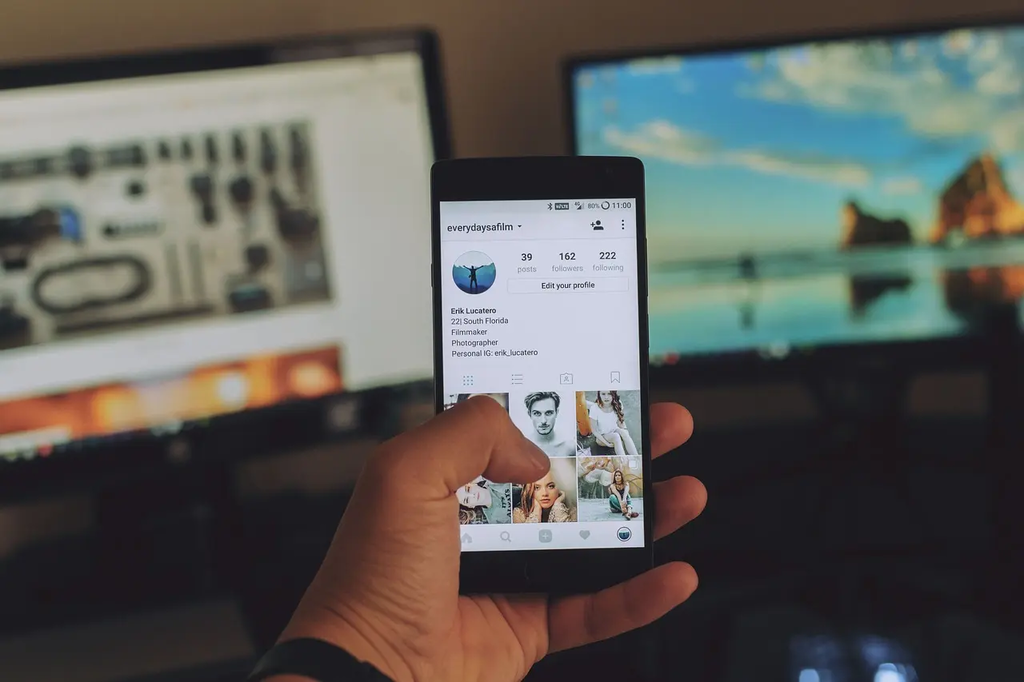
💡 Key Takeaways
- Understand what multi-user profiles are and why they matter on shared home devices
- Learn how to create, switch between, and manage profiles on common home tech
- Explore how permissions control actions, access, and data visibility for each profile
- Apply best practices for privacy, data separation, and parental controls in a shared home setup
❓ Frequently Asked Questions
What are multi-user profiles?
Multi-user profiles let multiple people have separate accounts on the same device or app, each with its own settings, data, and history.
What are permissions in multi-user systems?
Permissions are rules that control what a user can do or access (apps, content, settings, purchases), set by an administrator or parent.
How do you set up and switch profiles on a typical home device?
Open Settings or Users, add a new profile, customize its name and preferences, then switch using the profile switcher.
Why are multi-user profiles useful for families?
They provide personalized experiences for each person while enabling parental controls, privacy, and controlled access to content and purchases.