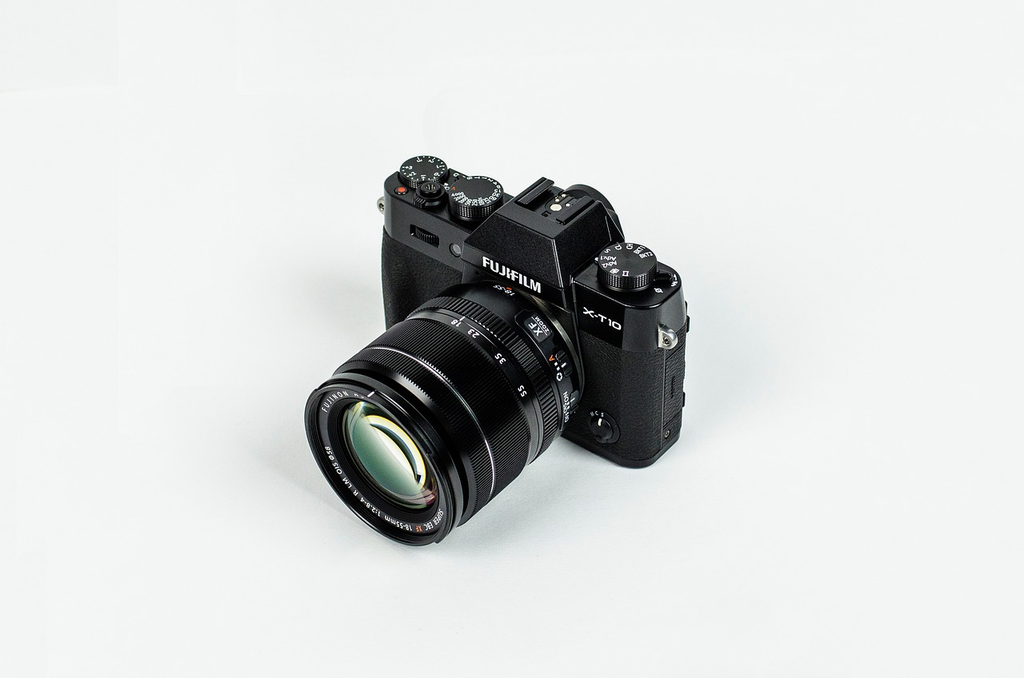
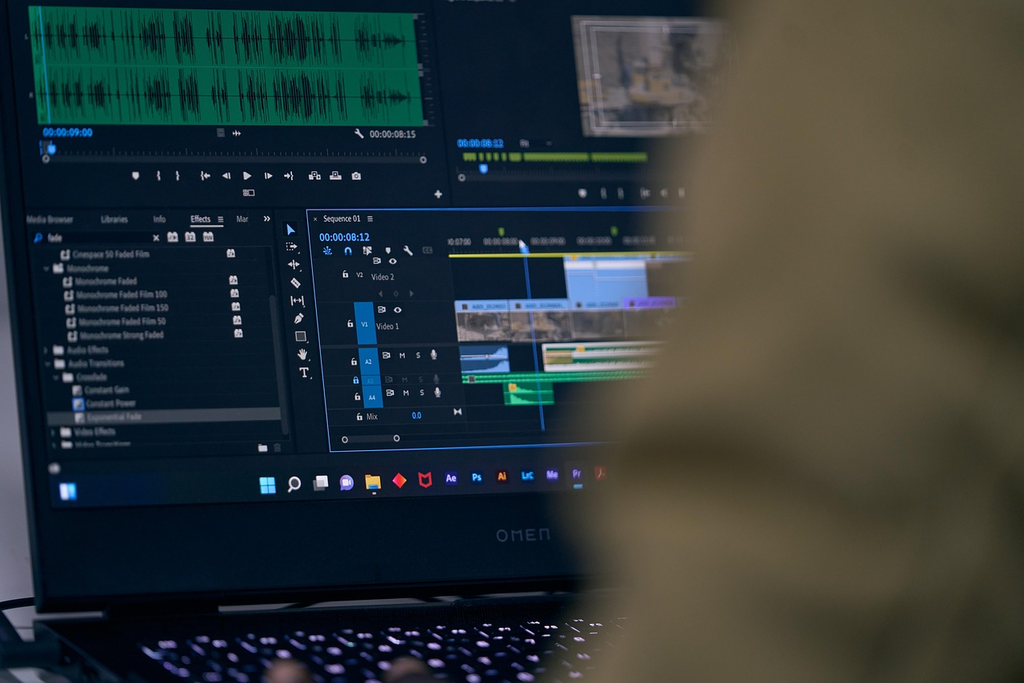
Professional video editing apps are advanced software tools designed for creating, cutting, and enhancing video content. Often used by filmmakers, content creators, and digital marketers, these apps offer features such as multi-track editing, color correction, special effects, and audio mixing. As an “App Expert,” you might try to guess widely used tools like Adobe Premiere Pro, Final Cut Pro, or DaVinci Resolve, along with popular gadgets that complement video editing workflows.
Professional Video Editing Apps
Professional video editing apps are advanced software tools designed for creating, cutting, and enhancing video content. Often used by filmmakers, content creators, and digital marketers, these apps offer features such as multi-track editing, color correction, special effects, and audio mixing. As an “App Expert,” you might try to guess widely used tools like Adobe Premiere Pro, Final Cut Pro, or DaVinci Resolve, along with popular gadgets that complement video editing workflows.
💡 Key Takeaways
- Identify popular professional video editing apps used by filmmakers and content creators
- Learn key editing features like multi-track timelines, cutting, and timeline-based sequencing
- Understand how color correction tools improve mood, consistency, and visual quality
- Discover common effects and transitions that enhance storytelling and viewer engagement
- Explore audio mixing basics to balance dialogue, music, and sound effects
❓ Frequently Asked Questions
What are professional video editing apps used for?
They help you trim and arrange clips, add transitions, edit audio, apply effects, color-correct, and export videos in the formats you need.
Which features should I look for in a professional video editor?
Look for multi-track timeline editing, support for your video formats, advanced audio tools, color grading, effects/transitions, and reliable export options.
Are there professional video editing apps for beginners?
Yes—many include guided workflows, templates, and auto tools, while still offering advanced features as you improve.
What hardware do I need to edit videos smoothly?
A faster CPU, plenty of RAM, a dedicated GPU (for effect-heavy work), and sufficient storage are key—especially for high-resolution footage.
How do I choose the right app for my workflow?
Match the app to your platform (Windows/macOS/mobile), your editing style (basic vs advanced), your required formats, and whether you need collaboration or cloud features.