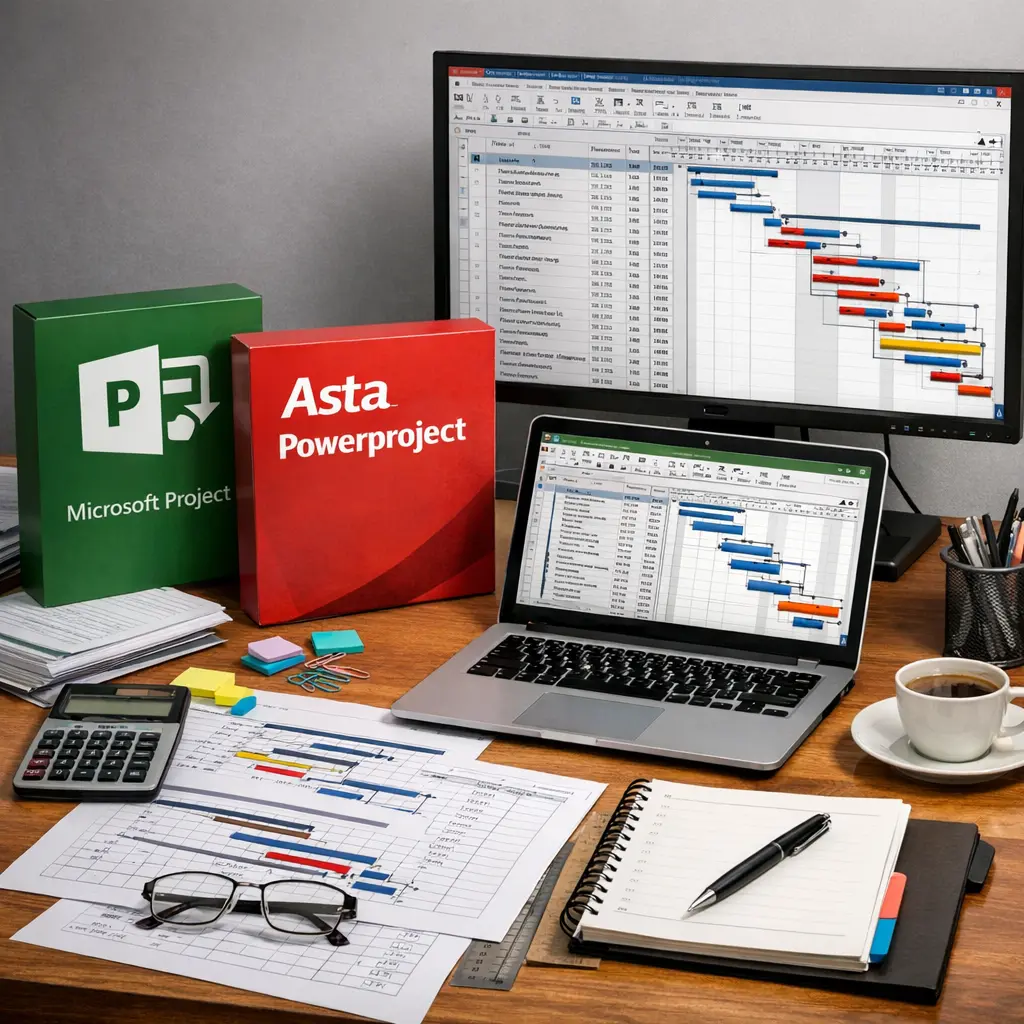
Scheduling with Gantt Tools Basics refers to the foundational use of digital applications like MS Project and Asta for planning and managing construction projects. These tools utilize Gantt charts to visually represent project timelines, tasks, dependencies, and milestones. By leveraging such software, construction professionals can efficiently allocate resources, track progress, identify potential delays, and enhance collaboration, ensuring that project information is organized and accessible throughout the construction process.
Scheduling with Gantt Tools Basics (MS Project, Asta)
Scheduling with Gantt Tools Basics refers to the foundational use of digital applications like MS Project and Asta for planning and managing construction projects. These tools utilize Gantt charts to visually represent project timelines, tasks, dependencies, and milestones. By leveraging such software, construction professionals can efficiently allocate resources, track progress, identify potential delays, and enhance collaboration, ensuring that project information is organized and accessible throughout the construction process.
💡 Key Takeaways
- Understand the purpose of Gantt charts and how to read tasks, durations, milestones, and timelines.
- Create and link tasks in MS Project and Asta using common dependencies (finish-to-start, start-to-start) to build a schedule.
- Assign resources (people, equipment) and calendars, and manage availability and potential over-allocations.
- Use baselines and the critical path to monitor progress and forecast project completion.
❓ Frequently Asked Questions
What is a Gantt chart and what is it used for in project scheduling?
A Gantt chart is a horizontal bar chart showing tasks over time, with start/end dates, duration, and dependencies. It helps plan, monitor progress, and communicate the schedule.
What are MS Project and Asta Powerproject used for, and what are their common features?
They are project scheduling tools used to create task lists, set durations, link dependencies, assign resources, and track progress, with Gantt views to visualize the schedule.
How do you create dependencies and identify the critical path in these tools?
Link tasks using predecessors (for example Finish-to-Start). The software computes the critical path as the longest sequence of dependent tasks that determines the project finish date.
What is the difference between constraints and deadlines, and how should you use them?
A constraint fixes a task date, potentially restricting the schedule; a deadline flags a target date but doesn't automatically push dates. Use constraints sparingly and rely on task links and baselines to guide timing.