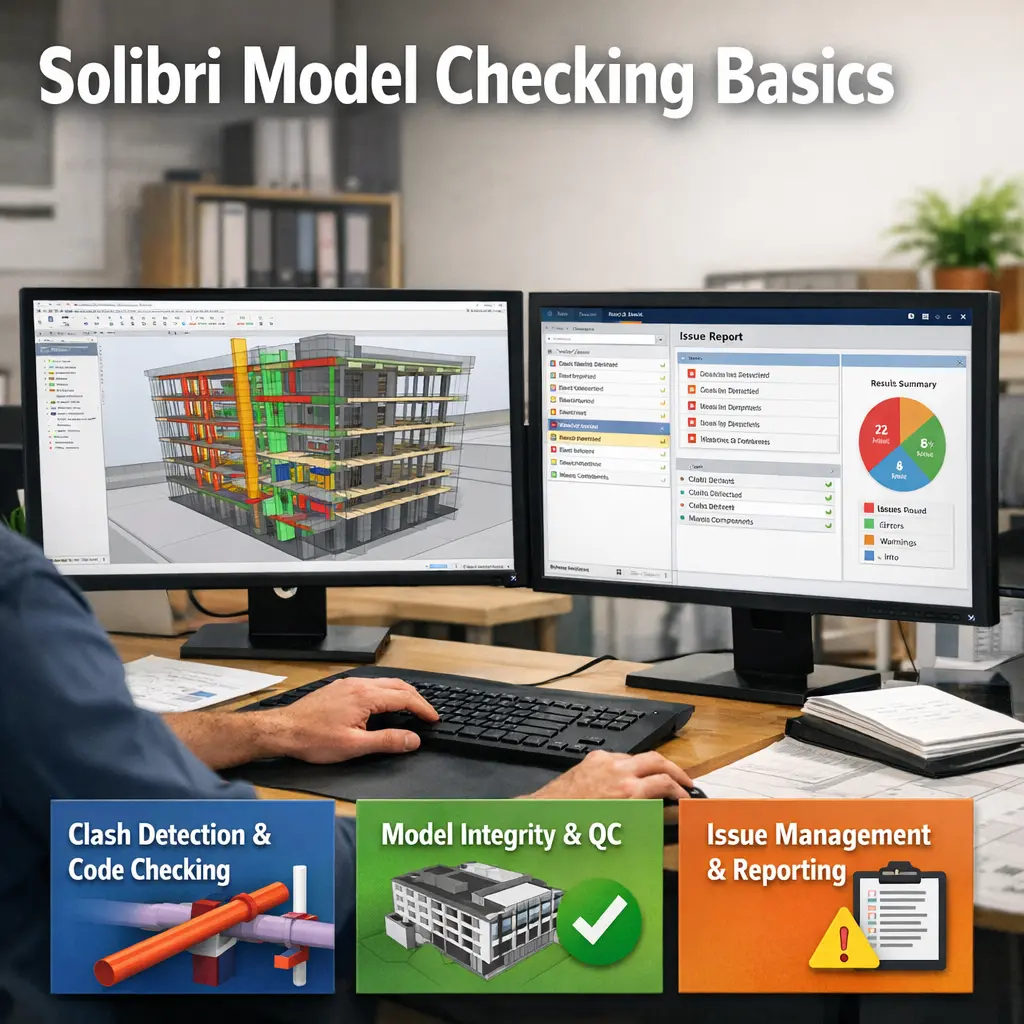
Solibri Model Checking Basics refers to the foundational use of Solibri software for reviewing and validating digital construction models. This process involves checking Building Information Models (BIM) for design quality, code compliance, and coordination issues. By leveraging digital applications like Solibri, construction professionals can identify errors, clashes, and inconsistencies early in the design phase, ensuring efficient project delivery and improved collaboration among stakeholders.
Solibri Model Checking Basics
Solibri Model Checking Basics refers to the foundational use of Solibri software for reviewing and validating digital construction models. This process involves checking Building Information Models (BIM) for design quality, code compliance, and coordination issues. By leveraging digital applications like Solibri, construction professionals can identify errors, clashes, and inconsistencies early in the design phase, ensuring efficient project delivery and improved collaboration among stakeholders.
💡 Key Takeaways
- Understand the purpose of Solibri Model Checker in BIM quality assurance and collaboration.
- Run a basic model check using a ruleset and learn how to read the results.
- Identify common issues Solibri flags (geometry clashes, data gaps, rule violations) and how to address them.
- Navigate core tools and views (Inspector, Rules, Issues, and Reports) to review models efficiently.
- Generate and interpret a summary report to share findings with project stakeholders.
❓ Frequently Asked Questions
What is Solibri Model Checker and what is it used for?
Solibri Model Checker is a BIM quality assurance tool that analyzes a Building Information Model to verify compliance with project rules, standards, and performance criteria, helping identify design issues before construction.
How do you perform a basic model check in Solibri?
Load the BIM model, apply a rule set (built-in or custom), run the check, then review the detected issues in the Issues pane and navigate to offending elements.
What are rule sets and how are they used?
Rule sets are collections of validation rules that define what to check against a model. They can be prebuilt or customized and are applied to a model to automatically generate issues.
What is an Issue and how should you handle it?
An issue is a detected non-compliance or problem reported by a rule. It includes location, description, and severity. You can assign, comment, filter, or resolve it by correcting the model or updating rules.
How can you share Solibri findings with your team?
Export results as viewpoints, reports, or PDFs, or share via BCF/issue lists so stakeholders can review and comment on the detected issues.