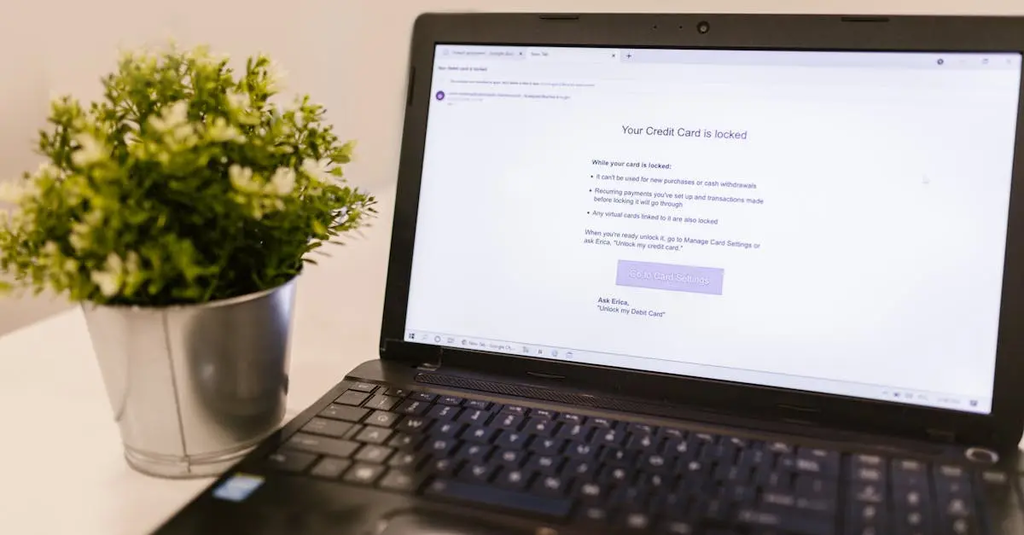
Two-factor authentication (2FA) adds an extra layer of security by requiring users to provide two different forms of identification before accessing an account, typically a password and a verification code sent to a device. Password managers are tools that securely store and manage complex passwords for various accounts, allowing users to generate strong, unique passwords without needing to remember each one, thereby enhancing overall online security.
Two-factor Authentication & Password Managers
Two-factor authentication (2FA) adds an extra layer of security by requiring users to provide two different forms of identification before accessing an account, typically a password and a verification code sent to a device. Password managers are tools that securely store and manage complex passwords for various accounts, allowing users to generate strong, unique passwords without needing to remember each one, thereby enhancing overall online security.
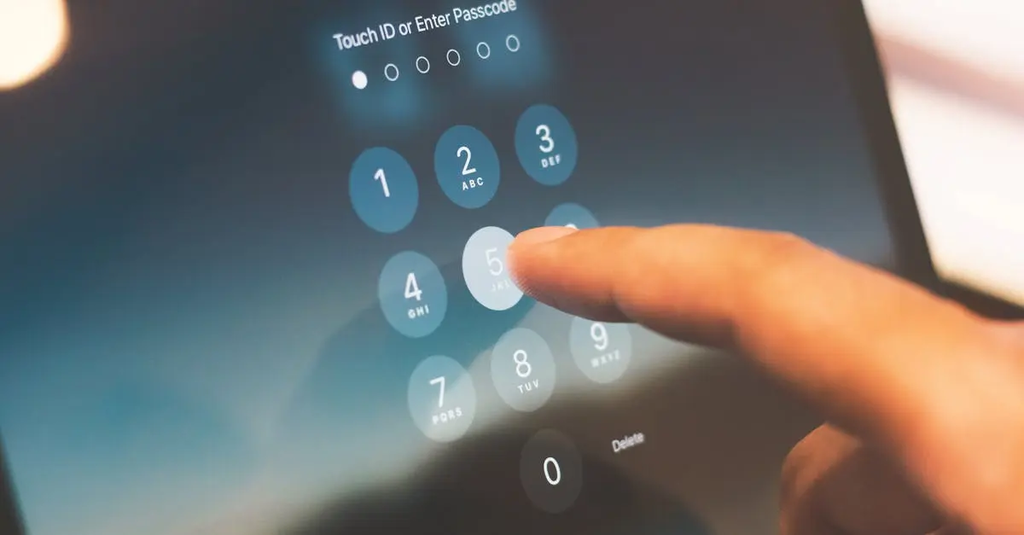
💡 Key Takeaways
- Understand what 2FA is and why it strengthens security.
- Identify common 2FA methods (authenticator apps, SMS codes, hardware keys) and when to use them.
- Learn how password managers generate, store, and autofill unique passwords securely.
- Apply security best practices: enable 2FA on key accounts, use a strong master password, and manage backups and device security.
❓ Frequently Asked Questions
What is two-factor authentication (2FA)?
2FA requires two forms of proof (like a password and a code or a hardware key) to sign in, making accounts harder to access if a password is compromised.
How do password managers work?
They securely store and autofill unique passwords for sites and apps, using a single master password to unlock them and can generate strong passwords.
Is SMS-based 2FA as secure as app-based methods?
SMS 2FA is convenient but less secure due to risks like SIM swapping; authenticator apps or hardware keys are generally safer.
What should I look for when choosing a password manager?
Look for strong encryption (AES-256), zero-knowledge architecture, cross-device syncing, solid reputation, and the option to enable 2FA on the manager itself.
How can I recover access if I forget my master password?
Use the manager’s recovery options (backup codes, cloud recovery, or account recovery) and keep backup codes in a secure offline location.